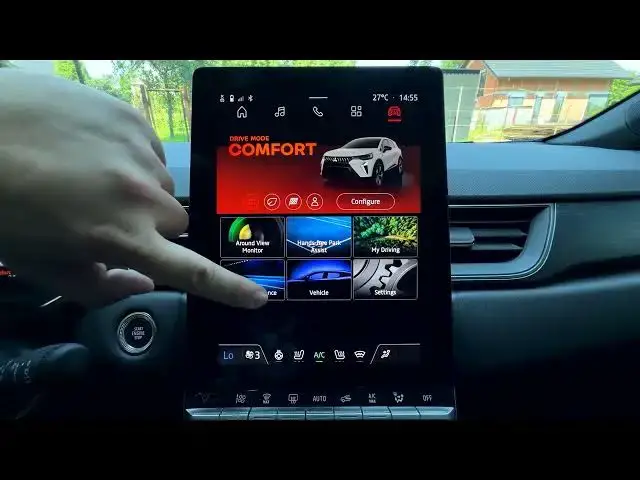

MITSUBISHI Grandis – How to Manage Safety Warnings
Jun 30, 2026

In this video we show how to manage safety warnings on the MITSUBISHI Grandis. You will learn where to find the Car settings, enter Driving Assistance, open the Warning Anticipation option, and switch between Early, Standard, and Late. These steps let you adjust when safety alerts appear so the car notifies you at a timing that fits your driving style. The instructions are simple and fast to follow, ideal for owners who want to tune alerts without digging through menus.
How to manage safety warnings on MITSUBISHI Grandis?
How to change Warning Anticipation on MITSUBISHI Grandis Driving Assistance?
How to set Early, Standard or Late safety warning on MITSUBISHI Grandis?
0:00 Introduction
0:08 Open Car menu
0:12 Enter Driving Assistance
0:16 Find Warning Anticipation
0:22 Select Early / Standard / Late
0:27 Final tips & subscribe
#MITSUBISHI #Grandis #SafetyWarning #DrivingAssistance
Find out more:
https://www.hardreset.info/devices/mitsubishi/mitsubishi-grandis/
Follow us on Instagram ► https://www.instagram.com/hardreset.info
Like us on Facebook ► https://www.facebook.com/hardresetinfo/
Show More Show Less #Science