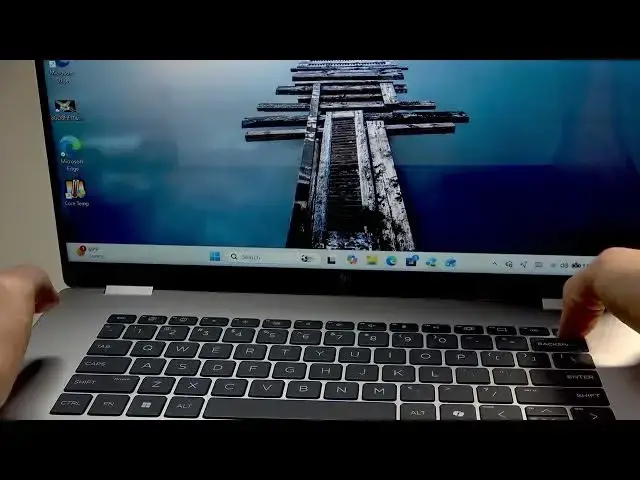

HP OmniBook 7 Flip – What to Do If It Freezes
Jun 17, 2026

If your HP OmniBook 7 Flip becomes unresponsive or freezes, this video shows simple, fast steps to get it working again. You will learn how to check whether the freeze is partial or full, how to force-close a frozen app with Ctrl+Alt+Delete and Task Manager, how to perform a force restart by holding the power button, and what to do if you must unplug and let the battery discharge. These troubleshooting steps are safe and designed for everyday users to quickly restore a frozen HP OmniBook 7 Flip without losing time or data.
How to force restart HP OmniBook 7 Flip?
How to end task on HP OmniBook 7 Flip when an app freezes?
How to fix HP OmniBook 7 Flip if it becomes completely unresponsive?
0:00 Introduction
0:04 Check if freeze is partial or full
0:21 Use Ctrl+Alt+Delete to open Task Manager
0:40 End task on the frozen application
0:56 Force restart: hold the power button
1:27 Unplug charger and let battery discharge if needed
1:56 Wrap up and final tips
#HPOmniBook7Flip #FrozenLaptop #ForceRestart #LaptopTips
Find out more:
https://www.hardreset.info/devices/hp/hp-omnibook-7-flip/what-to-do-if-freezes/
Follow us on Instagram ► https://www.instagram.com/hardreset.info
Show More Show Less #Science