
OnePlus Nord 6 – How to Fix Auto Brightness Not Working
Jun 14, 2026

Fix auto brightness not working on your OnePlus Nord 6 quickly and easily. In this video I show simple, practical steps you can do right now: toggle auto brightness in Display settings, clean the ambient light sensor near the front camera, restart the phone to refresh sensors, and check for system software updates. These steps usually resolve adaptive brightness problems so your screen adjusts correctly in different lighting conditions. Follow each step, test after changes, and your display should behave normally again.
How to fix Auto Brightness not working on OnePlus Nord 6?
How to clean the ambient light sensor on OnePlus Nord 6?
How to check for software updates on OnePlus Nord 6?
0:00 Introduction — problem overview
0:09 Toggle Auto Brightness in Settings (Display & Brightness)
0:30 Clean the Ambient Light Sensor near the front camera
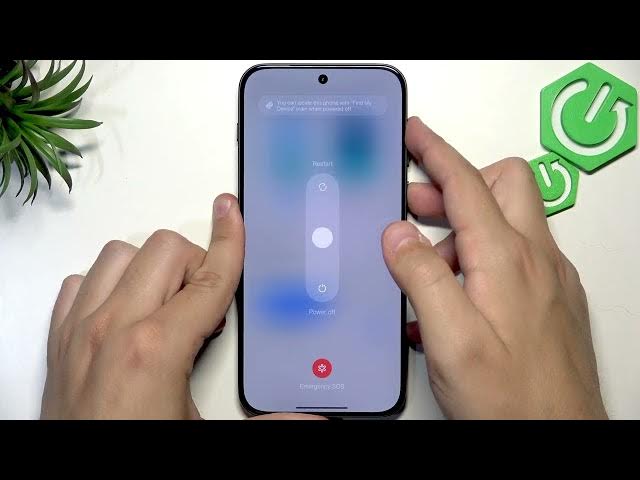
1:03 Restart the OnePlus Nord 6 to refresh sensors
1:20 Check for Software Updates (Settings → System & update)
1:55 Final check, test and wrap up
#OnePlusNord6 #AutoBrightness #BrightnessFix #OnePlus
Find out more:
https://www.hardreset.info/devices/oneplus/oneplus-nord-6/auto-brightness-not-working-fix/
Follow us on Instagram ► https://www.instagram.com/hardreset.info
Like us on Facebook ► https://www.facebook.com/hardresetinfo/
Show More Show Less #Science