
REDMI Note 15 Pro+ 5G – How to Enable Developer Options
Jun 17, 2026

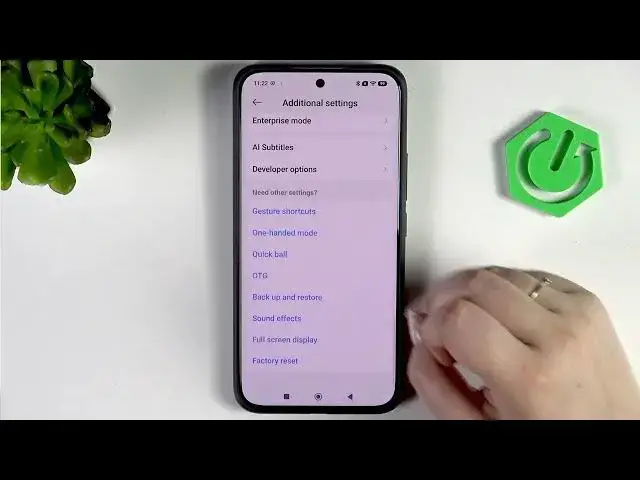
Learn how to enable Developer Options on the REDMI Note 15 Pro+ 5G in a few simple taps. This video shows you how to open Settings, go to About Phone, tap OS version multiple times to unlock developer mode, confirm any screen lock, and find Developer Options under Additional settings. You’ll also see a quick overview of useful toggles like USB debugging, pointer location, crash dialog, Bluetooth debugging, how to use switches and menu options, and how to turn Developer Options off again.
How to enable Developer Options on REDMI Note 15 Pro+ 5G?
How to turn on USB debugging on REDMI Note 15 Pro+ 5G?
Where is Developer Options in REDMI Note 15 Pro+ 5G settings?
0:00 Intro — what we’ll do and device overview
0:07 Open Settings and find About Phone
0:21 Tap OS version repeatedly to unlock developer mode
0:30 Enter screen lock if prompted to confirm
0:45 Go back to Settings → Additional settings
0:53 Open Developer Options and overview of settings
1:10 Example toggles: pointer location, crash dialog, debugging
1:34 How switches work — enable/disable options
1:46 How to turn off Developer Options and re-enable later
2:02 Outro — summary and subscribe
#RedmiNote15ProPlus #DeveloperOptions #AndroidTips #Redmi
Find out more:
Show More Show Less #Science