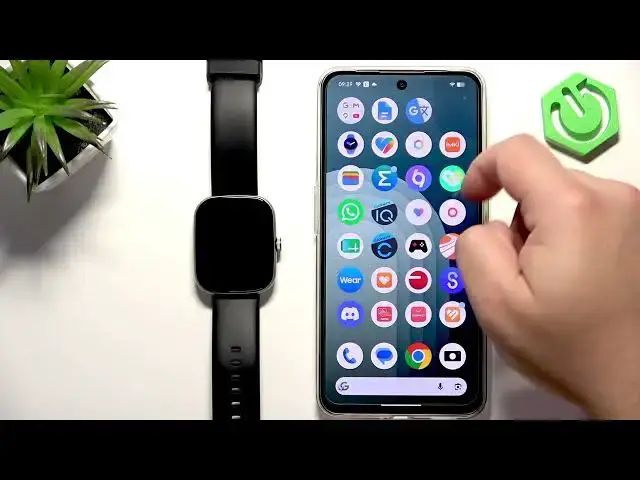

IMIKI Frame 2 Lite – How to Unpair from Android Phone
Jul 2, 2026

In this short video we show how to unpair the IMIKI Frame 2 Lite from an Android phone using the IMIKI Live app and Android Bluetooth settings. You'll learn how to open the IMIKI Live app, find the device page, tap the unbinding (unbind) button, confirm removal, and optionally remove the watch from your phone's Bluetooth list so it is fully disconnected. This quick guide is perfect if you want to switch phones, troubleshoot pairing issues, or sell the watch. It covers both the app method and the Android Bluetooth forget/remove device step.
How to unpair IMIKI Frame 2 Lite from Android phone?
How to remove IMIKI Frame 2 Lite from IMIKI Live app?
How to forget IMIKI Frame 2 Lite in Android Bluetooth settings?
0:00 Introduction and overview
0:12 Open the IMIKI Live app on your paired Android phone
0:25 Tap the device icon and find Frame 2 Lite on the device page
0:36 Scroll down and tap the Unbinding / Unbind button
0:46 Confirm unbind and check that the watch is removed from the app
0:50 Optional: open Android Bluetooth settings and Forget/Remove device
1:03 Finish and close the app
#IMIKI #Frame2Lite #Unpair #Android
Find out more:
https://www.hardreset.info/devices/imiki/imiki-frame-2-lite/how-to-unpair-from-android-phone/
Follow us on Instagram ► https://www.instagram.com/hardreset.info
Show More Show Less #Science