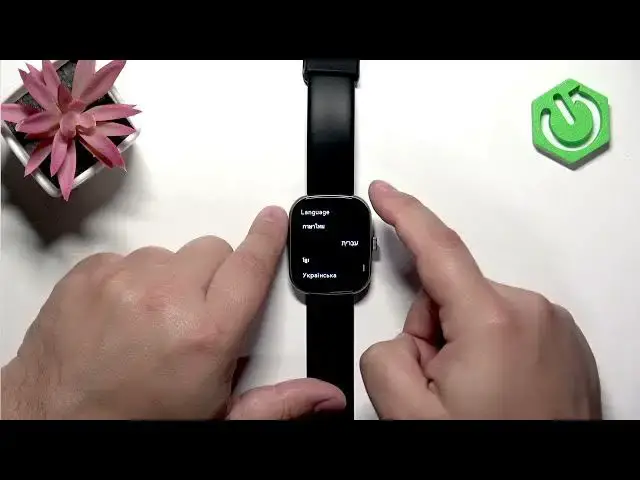

IMIKI Frame 2 Lite – How to Change Language
Jul 2, 2026

In this short video I show how to change the language on the IMIKI Frame 2 Lite smartwatch. You will learn how to open the menu, find Settings, select Language, and apply a new language step by step. This is perfect if you bought the watch in a different region or want to switch back to English. The steps work directly on the watch screen: press the Chrome button to wake it, open the menu, go to Settings, choose Language and tap the language you want. After changing the language you can press the Chrome button to return to the watch face.
How to change language on IMIKI Frame 2 Lite?
How to find Language settings on IMIKI Frame 2 Lite?
How to switch to English on IMIKI Frame 2 Lite?
0:00 Intro — what we will do
0:10 Wake the watch and open the menu (press Chrome button)
0:24 Go to Settings and find Language
0:36 Pick the language from the list and apply it
0:45 Return to the watch face and revert if needed
0:51 Outro — subscribe and thanks for watching
#IMIKI #IMIKIFrame2Lite #ChangeLanguage #Smartwatch
Find out more:
https://www.hardreset.info/devices/imiki/imiki-frame-2-lite/change-language/
Follow us on Instagram ► https://www.instagram.com/hardreset.info
Like us on Facebook ► https://www.facebook.com/hardresetinfo/
Show More Show Less #Science