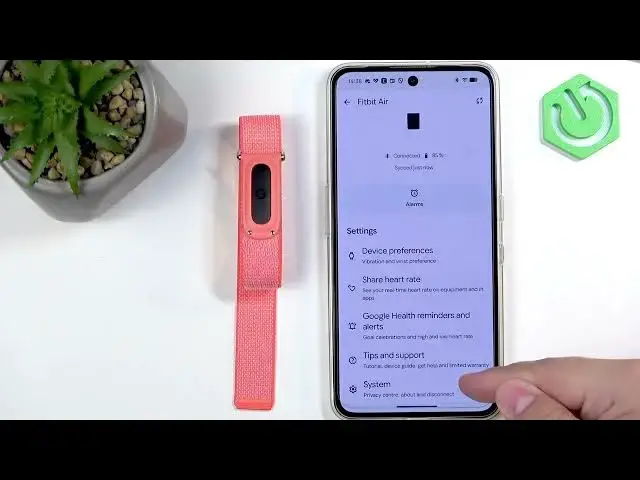

GOOGLE Fitbit Air – How to Unpair from Android Phone
Jul 2, 2026

Learn how to quickly unpair your GOOGLE Fitbit Air from an Android phone using the Google Health app. In this short step-by-step video you’ll see exactly where to open the device page, how to find the System section, and how to tap Disconnect device so the band is removed from your phone. This method is ideal when you want to pair the band with a new phone, sell it, or fix connection problems.
How to unpair GOOGLE Fitbit Air from an Android phone?
How to disconnect GOOGLE Fitbit Air using the Google Health app?
How to remove Fitbit Air device from Android Bluetooth and Google Health?
0:00 Intro – What we’ll do
0:11 Open Google Health app and go to the device page
0:30 Select your Fitbit Air from the device list
0:38 Open System settings and tap Disconnect device
0:49 Confirm disconnect and wait for the band to disappear
0:58 Outro and next steps
#FitbitAir #GoogleFitbit #Unpair #Android
Find out more:
https://www.hardreset.info/devices/google/google-fitbit-air/how-to-unpair-from-android-phone/
Follow us on Instagram ► https://www.instagram.com/hardreset.info
Like us on Facebook ► https://www.facebook.com/hardresetinfo/
Show More Show Less #Science