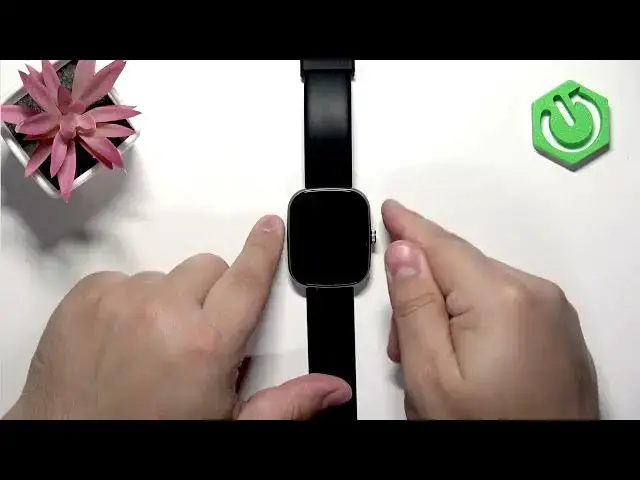

How to Factory Reset IMIKI Frame 2 Lite
Jul 2, 2026

Learn how to factory reset your IMIKI Frame 2 Lite smartwatch using only the watch’s system settings. This quick, clear walkthrough shows how to wake the screen, open the menu, go to Settings → System, choose Reset and confirm. You’ll also learn how to stop the watch from automatically reconnecting to your phone by unpairing or unbinding in the companion app. Perfect for troubleshooting software issues, preparing the watch for a new owner, or restoring defaults.
How to factory reset IMIKI Frame 2 Lite?
How to unpair IMIKI Frame 2 Lite from phone before reset?
How to restore IMIKI Frame 2 Lite to factory settings?
0:00 Intro — what we’ll do
0:05 Wake the screen (press the Chrome button)
0:14 Open the menu and find Settings
0:27 Go to System and select Reset
0:48 Confirm reset and wait for process
0:58 Reset complete — language screen appears
1:11 Prevent auto reconnect — unpair in app
1:19 Unbind/remove device in companion app
1:25 Wrap up and tips
#IMIKI #IMIKIFrame2Lite #FactoryReset #SmartwatchReset
Find out more:
https://www.hardreset.info/devices/imiki/imiki-frame-2-lite/hardreset-second-method/
Show More Show Less #Science