0:00
Hello everyone and welcome to our
0:01
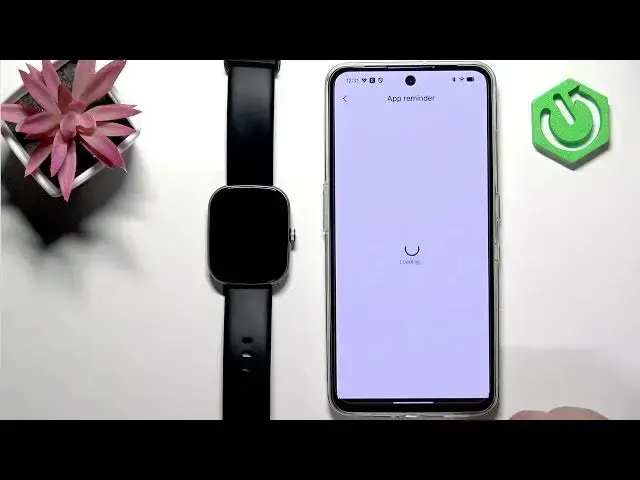
channel. In front of me I have a Mickey
0:04
Frame 2 light and today I'm going to
0:06
show you how to enable the phone
0:07
notifications for this watch on the
0:09
Android phone. Basically if you want to
0:11
receive the notifications from your
0:13
phone on your watch. So let's get
0:20
So the first thing we need to do is to
0:21
open the Mcki Live application on the
0:24
phone that is paired with our watch. So
0:26
let's tap on the icon. Actually let me
0:28
reopen it. it's going to be faster. And
0:31
once you open the app, you should see
0:32
the homepage. Now tap on device. And
0:34
here you should see your frame to light
0:36
on the device page. Now scroll down and
0:39
find the option called um
0:42
app reminder. Actually we have quite few
0:45
reminders. We have SMS reminder, app
0:46
reminder, incoming call reminder. And
0:49
basically these are like notifications
0:50
for different types of notifications.
0:52
First let's tap on app reminder. And as
0:54
you can see we don't have the required
0:56
permissions for this to work. So we need
0:57
to tap on confirm. It will bring you to
1:00
this page. Here you need to find the Mi
1:02
live application. Tap on it. Then tap on
1:05
the switch next to the allow
1:07
notification access. Tap on allow. And
1:09
once you allow the notification access,
1:10
you can tap on back arrow. And now you
1:13
should be in the app and the
1:14
notifications should be enabled. And as
1:16
you can see, we have the list of
1:17
applications. And we can enable and
1:19
disable notifications for specific
1:22
applications. And how it works is
1:23
basically um if you enable let's say
1:26
notifications for WhatsApp and you
1:27
receive the notification from WhatsApp
1:29
on your watch rather on your phone that
1:31
notification will be forwarded al also
1:33
to your watch but if you disable it it
1:35
won't be forwarded to your watch you
1:37
will see it only uh on your phone and if
1:40
you're missing the app uh right here on
1:43
the list because this list is limited
1:44
you can always tap on more reminders
1:47
more reminders and then select the app
1:49
from the list and it should be added and
1:51
now The notifications should work for
1:53
that app. Now let's go back to the
1:55
device page. And here we have also SMS
1:57
reminder. So we can enable the
1:58
notifications for the SMS. You will need
2:01
to allow some permissions for this to
2:03
work like this. And then the incoming
2:05
call reminder as well. You will also
2:08
need to allow some permissions. And now
2:10
we have the notifications for everything
2:12
apps calls and SMS. Um it should be
2:16
working at this point. So we're going to
2:17
test it. We're going to send my send
2:19
ourselves message on Discord and it
2:22
should pop up on our watch as well.
2:26
So let's send it. We got the
2:28
notification on our phone. Let's check
2:32
And it is here. So it is working. And if
2:34
you miss the notification on your watch,
2:35
you can always swipe up from the uh from
2:37
the bottom of the screen on the home
2:39
screen to open the notification panel to
2:42
check the notifications. And basically
2:44
that's how you enable the phone
2:45
notifications for this watch on the
2:47
Android phone. So if you found this
2:49
video helpful, please consider
2:51
subscribing to our channel and leaving a
2:52
like on the video. Thank you for
2:55
watching and see you in the next one.