
iPhone (iOS 26) – Turn On/Off Image Creation & Manage AI Privacy
Jun 1, 2026

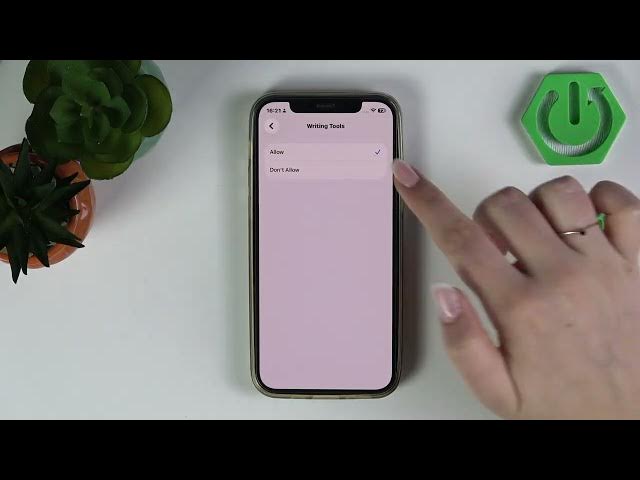
Learn how to enable or disable Image Creation in Apple Intelligence on your iPhone running iOS 26 and how to manage related AI privacy settings. In this video I show the exact steps to find Image Creation inside Settings → Screen Time → Content & Privacy Restrictions → Intelligence & Siri, how to set it to "Don't Allow" to block Image Playground and other image generation tools, and how to fully turn off Apple Intelligence features if you prefer a stricter approach. I also explain how to stop passive data collection by disabling Improve Siri & Dictation under Settings → Privacy & Security → Analytics & Improvements so Apple won't use your interactions to improve AI models. These steps will help you control image generation, AI tools, and privacy on your iPhone running iOS 26.
How to turn off Image Creation on iPhone (iOS 26)?
How to enable Image Creation in Apple Intelligence on iPhone (iOS 26)?
How to stop Apple Intelligence from using my data on iPhone (iOS 26)?
0:00 Intro — what we cover
0:15 Open Settings and start managing Image Creation
0:26 Go to Screen Time → Content & Privacy Restrictions
0:46 Enable restrictions and select Intelligence & Siri
0:57 Tap Image Creation and choose "Don't Allow"
1:13 Option: disable all Apple Intelligence and Siri features
1:44 Stop Apple using interactions — go to Privacy & Security
2:28 Open Analytics & Improvements to limit passive data
2:33 Turn off Improve Siri & Dictation
2:41 Wrap up and final tips
#iPhone #iOS26 #AppleIntelligence #AIPrivacy
Find out more:
Show More Show Less #Science