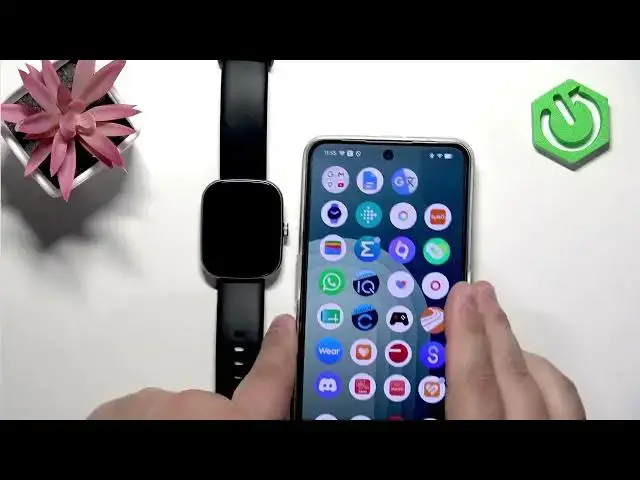

IMIKI Frame 2 Lite – How to Change Watch Face
Jul 2, 2026

Learn how to change the watch face on your IMIKI Frame 2 Lite in a few easy steps. This video shows three simple methods: press and hold the current face to open the watch face menu, rotate the crown button to cycle between faces, and download new watch faces from the IMIKI Live app on your paired phone. You’ll see how to select, sync, and apply new designs so your Frame 2 Lite looks exactly how you want.
How to change watch face on IMIKI Frame 2 Lite?
How to download watch faces for IMIKI Frame 2 Lite using IMIKI Live app?
How to cycle watch faces with the crown on IMIKI Frame 2 Lite?
0:00 Intro – what we’ll cover
0:09 Press and hold to open the watch face menu
0:29 Scroll and tap to select a watch face
0:36 Use the crown button to quickly cycle faces
0:58 Open IMIKI Live app on your phone and go to Watch Face Market
1:14 Sync and apply a downloaded watch face to your watch
1:36 Final tips and wrap up
#IMIKI #IMIKIFrame2Lite #WatchFace #Smartwatch
Find out more:
https://www.hardreset.info/devices/imiki/imiki-frame-2-lite/change-watch-face/
Follow us on Instagram ► https://www.instagram.com/hardreset.info
Show More Show Less #Science