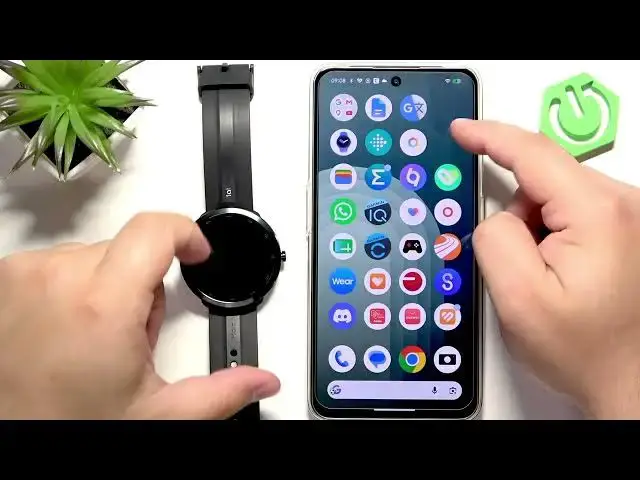

70MAI Maimo Watch R - How to Change Watch Face
Jul 2, 2026

Learn how to change and customize the watch face on your 70MAI Maimo Watch R. In this short video we show two easy methods: directly on the watch and from the paired phone using the Maimo Fit app. You’ll see how to wake the screen, open the watch face menu by pressing and holding, swipe to browse faces, tap to select, customize available widgets, and apply changes with the crown or from the app. This guide is perfect for new owners who want to personalize their Maimo Watch R quickly and without fuss.
How to change watch face on 70MAI Maimo Watch R?
How to customize watch face on 70MAI Maimo Watch R?
How to change watch face on 70MAI Maimo Watch R using the Maimo Fit app?
0:00 Introduction
0:14 Wake the screen and open the watch face menu (press side button, then press and hold)
0:28 Browse watch faces by swiping and tap to select
0:41 Customize a watch face (tap settings icon to edit widgets/data)
0:56 Apply changes on the watch (press crown to save)
1:09 Change watch face from phone with Maimo Fit app (Device → Watch faces → Apply)
1:33 Wake screen to confirm the new watch face
1:41 Outro and subscribe
#70MAI #MaimoWatchR #WatchFace #MaimoFit
Find out more:
https://www.hardreset.info/devices/70mai/70mai-maimo-watch-r/change-watch-face/
Show More Show Less #Science