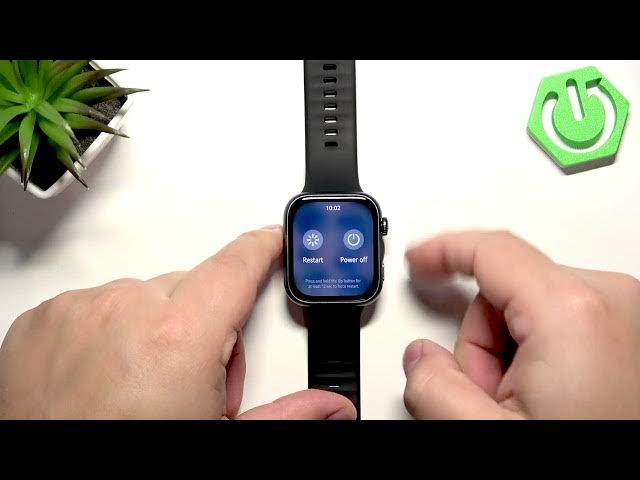

HUAWEI Watch Fit 5 – How to Soft Reset (Restart)
Jun 14, 2026

Learn how to perform a soft reset (restart) on your HUAWEI Watch Fit 5. This quick and easy video shows the exact steps to reboot the watch when apps are slow, unresponsive, or not opening. A soft reset does not erase your data — it simply restarts the system to clear minor glitches and restore normal performance. Follow along to press and hold the crown button, choose Restart from the menu, confirm, and wait a few seconds for the watch to boot back into the system. This method works when the watch is sluggish or an app freezes.
How to soft reset HUAWEI Watch Fit 5?
How to restart HUAWEI Watch Fit 5 when it is unresponsive?
Where is the restart option on HUAWEI Watch Fit 5?
0:00 Intro — Why and when to soft reset your watch
0:30 Press and hold the crown button to open the menu
0:50 Select Restart and tap to confirm
1:00 Watch is rebooting — wait 10–15 seconds
1:09 Back in the system — check if the issue is fixed
#HuaweiWatchFit5 #SoftReset #Restart #WatchTips
Find out more:
https://www.hardreset.info/devices/huawei/huawei-watch-fit-5/softreset-first-method/
Follow us on Instagram ► https://www.instagram.com/hardreset.info
Like us on Facebook ► https://www.facebook.com/hardresetinfo/
Tweet us on Twitter ► https://twitter.com/HardResetI
Show More Show Less #Science