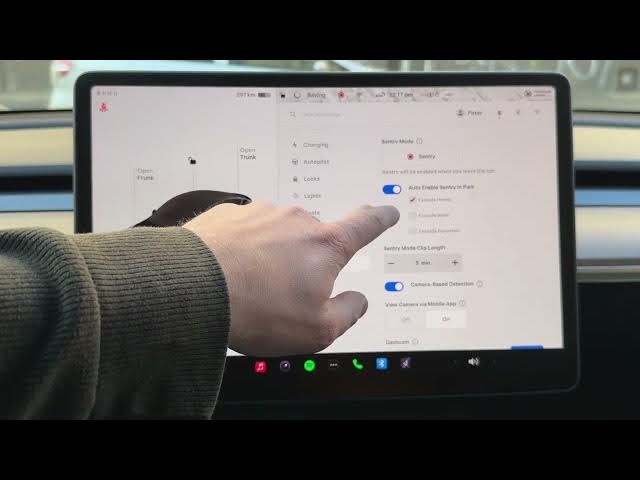

How to Save Tesla Battery with Sentry Mode Exclusions
Jan 19, 2026

In this video we explain how to use Tesla Sentry Mode Exclusions to stop Sentry running in trusted places and save battery. You will learn where to find Sentry settings, how to add Exclude Home, Exclude Work and Exclude Favorite, how to set your Home and Work in navigation, and how exclusions make the car automatically disable Sentry when parked in safe locations. These simple changes can prevent your Tesla from staying awake all night and save up to around 10% battery per day in some cases.
How to set Sentry Mode exclusions on Tesla?
How to add Home, Work or Favorite exclusions in Tesla Sentry Mode?
How to stop Tesla Sentry Mode from draining battery?
0:00 Introduction — Sentry Mode and battery drain
0:15 Open Sentry settings
0:27 Access Sentry via the Car icon and go to Safety
0:43 Exclusions overview — Home, Work, Favorite
1:08 How exclusions work — automatic disable when parked
1:24 Set Home and Work in Navigation
1:54 Add a Favorite location (example: IKEA)
2:24 Wrap up and subscribe
#Tesla #SentryMode #TeslaTips #BatterySaving
Find out more:
https://www.hardreset.info/devices/car/car-tesla/
Show More Show Less #Autos & Vehicles