
TESLA Model Y - How to Change Sentry Mode Clip Length
Jan 19, 2026

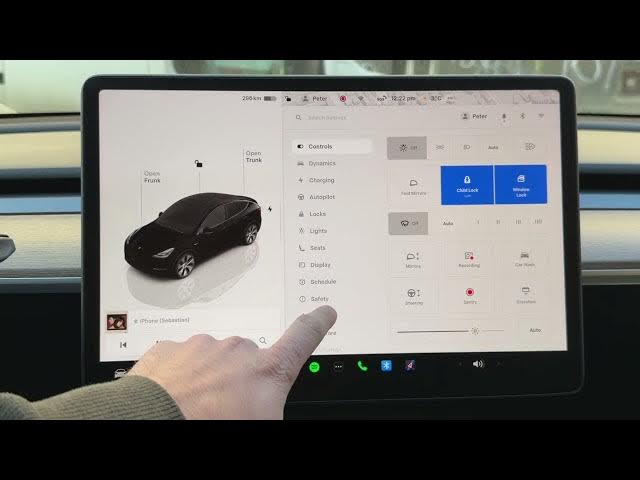
In this short video I show how to change the Sentry Mode clip length on a Tesla Model Y. You will see where the setting is located, how to open the Safety tab from the car icon, and how to choose a recording duration between 1 and 10 minutes. This quick walkthrough helps Model Y owners save the right amount of footage, manage storage on their USB drive, and make reviewing Sentry recordings easier by setting a preferred clip length.
How to change Sentry Mode clip length on Tesla Model Y?
How to set Sentry Mode clip length in Tesla vehicles?
How long can Sentry Mode clips be on Tesla Model Y?
0:00 Introduction – What we will change and car used (Model Y)
0:07 Open the car icon from any Tesla screen
0:17 Go to the Safety tab to find Sentry Mode settings
0:25 Select Sentry Mode Clip Length option
0:34 Choose duration (options from 1 to 10 minutes) and pick a length
0:43 Save the new clip length and finish
#Tesla #ModelY #SentryMode #TeslaTips
Find out more:
https://www.hardreset.info/devices/car/car-tesla/
Follow us on Instagram ► https://www.instagram.com/hardreset.info
Like us on Facebook ► https://www.facebook.com/hardresetinfo/
Show More Show Less #Autos & Vehicles
#Motor Vehicles (By Type)