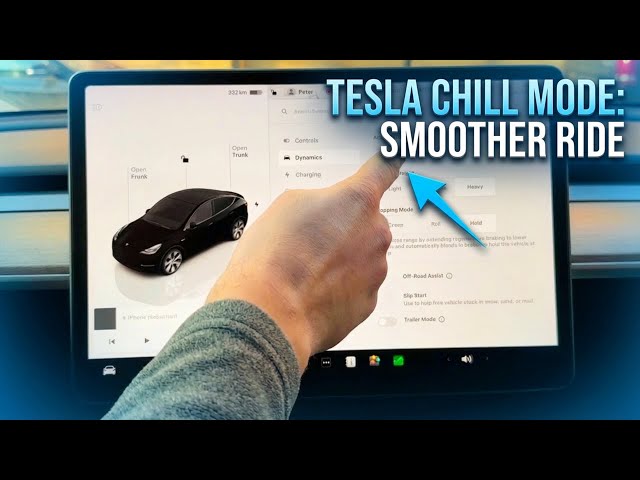

How to Switch to Chill Mode for a Smoother Ride | Tesla Trick
Jan 21, 2026

Learn how to enable Chill Mode on your TESLA to get a smoother, less jerky ride for passengers and to reduce pedal sensitivity for better battery efficiency. In this short video we show exactly where to find Chill Mode in the car settings: tap the car icon in the lower-left corner, open Dynamics, go to Acceleration and switch from your current mode to Chill. This setting softens throttle response, helps prevent sudden jolts, and can slightly improve range by making acceleration gentler. Perfect for city driving, new drivers, or when you want a calm, relaxed ride in your TESLA.
How to enable Chill Mode on TESLA?
How to switch to Chill Mode in TESLA settings?
How to disable Chill Mode on TESLA?
0:00 Intro – How to switch to Chill Mode
0:03 Why use Chill Mode – stop sudden jolts for passengers
0:12 Open car icon – access vehicle settings
0:17 Go to Dynamics – find Acceleration
0:30 Select Chill – change acceleration mode
0:37 What Chill Mode does – pedal sensitivity and battery saving
0:54 Wrap up – tips and subscribe
#tesla #chillmode #teslatips #ev
Find out more:
https://www.hardreset.info/devices/car/car-tesla/
Follow us on Instagram ► https://www.instagram.com/hardreset.info
Show More Show Less #Autos & Vehicles
#Tesla Motors