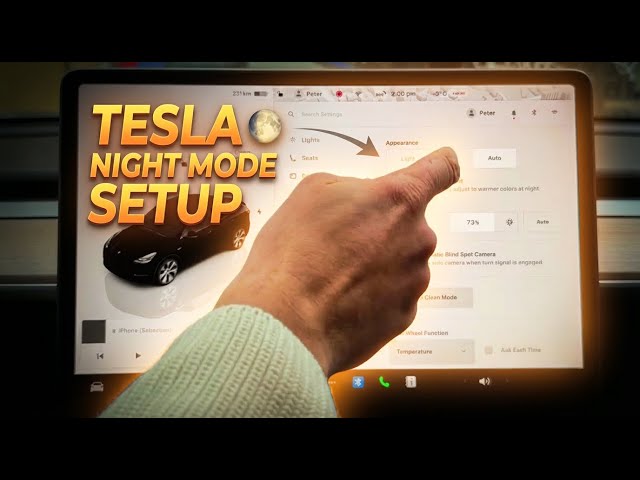

Setting Up Your TESLA Display for Night Driving
Jan 23, 2026

In this short video I show how to set up your Tesla display for night driving so the screen is easier on your eyes and less distracting. You will learn how to open the car menu, go to Display settings, switch Appearance to Auto or Dark mode, enable Reduce Blue Light (warmer colors), and adjust brightness or auto-brightness. These simple changes help reduce glare, lower blue light at night, and improve comfort while driving after sunset. Works on Tesla models with the center touchscreen and is quick to set up.
How to set up Tesla display for night driving?
How to enable Reduce Blue Light on Tesla display?
How to switch the Tesla display to Auto or Dark mode?
0:00 Intro
0:03 Open car menu & go to Display settings
0:20 Change Appearance: Auto, Dark or Light
0:38 Enable Reduce Blue Light (warmer colors)
0:58 Adjust brightness or set Auto brightness
1:08 Outro & subscribe
#Tesla #NightMode #TeslaDisplay #ReduceBlueLight
Find out more:
https://www.hardreset.info/devices/car/car-tesla/
Follow us on Instagram ► https://www.instagram.com/hardreset.info
Like us on Facebook ► https://www.facebook.com/hardresetinfo/
Show More Show Less #Autos & Vehicles
#Science