
Tesla Screen Clean Mode – How It Works & How to Use It
Jan 15, 2026

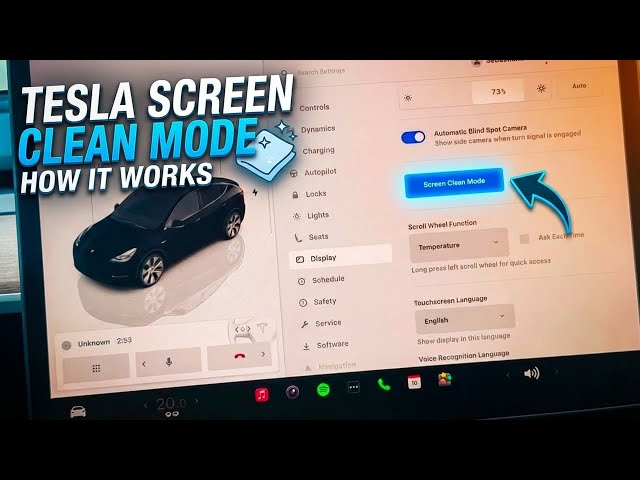
In this video you will learn how to enable and use Screen Clean Mode on Tesla vehicles so you can safely wipe the touchscreen without accidentally tapping buttons or changing settings. We show the exact steps: put the car in Park, open Controls → Display, select Screen Clean Mode, clean with a soft microfiber cloth, and how to exit by holding the button for about 5 seconds. This quick guide covers safety tips, Tesla on-screen instructions, and confirms Screen Clean Mode is available on all Tesla models for easier maintenance and worry-free cleaning.
How to enable Screen Clean Mode on Tesla vehicles?
How to exit Screen Clean Mode on Tesla touchscreen?
How to clean the Tesla screen safely using Screen Clean Mode?
0:00 Intro
0:06 Put vehicle in Park
0:19 Open Controls and tap the car icon
0:27 Select Display settings
0:37 Choose Screen Clean Mode
0:44 What Screen Clean Mode does (prevents accidental taps)
1:12 Clean the screen with a microfiber cloth
1:44 How to exit Screen Clean Mode (hold ~5 seconds)
1:56 Screen Clean Mode availability on all Tesla models
2:06 Outro and subscribe
#Tesla #ScreenCleanMode #TeslaTips #CarTech
Find out more:
Show More Show Less #Vehicle Repair & Maintenance
#Car Electronics