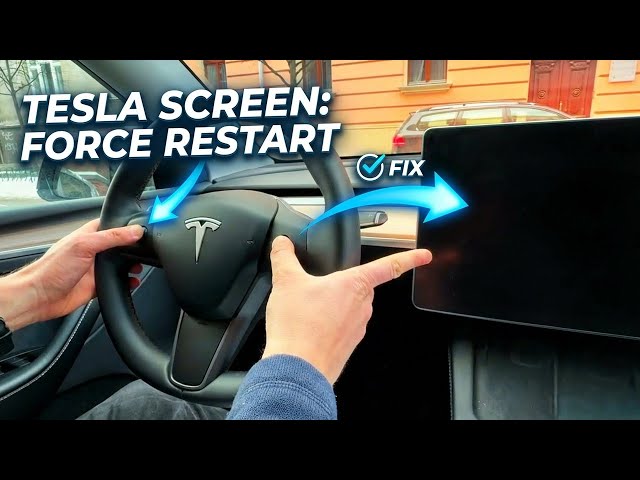

How to Force Restart Your Tesla Screen – Fix Frozen Display & Connectivity Issues
Jan 15, 2026

In this video you will learn how to force restart a Tesla touchscreen when the display freezes or connectivity is lost. We demonstrate the quick, safe method using the two steering wheel scroll wheels that works on Tesla Model 3, Model Y, Model S and Model X. This reboot only restarts the center display and connectivity — your brakes, blinkers and drive systems keep working — so you can even perform it while driving if needed. Follow these clear steps to get your Tesla screen responsive again and know how long to wait during the restart.
How to force restart Tesla touchscreen on Model 3/Model Y/Model S/X?
How to restart Tesla screen while driving?
How long does a Tesla touchscreen reboot take?
0:00 Intro — What this video shows
0:10 Problem: frozen display and lost connectivity
0:25 Locate the two steering wheel scroll wheels
0:37 How to press and hold both scroll wheels simultaneously
0:51 Screen goes black — release the wheels
1:09 Tesla logo appears — wait for the system to reboot
1:22 Wait time (~30 seconds) and what still works while restarting
1:55 Final notes and subscribe
#Tesla #TeslaTouchscreen #ForceRestart #TeslaTips
Find out more:
https://www.hardreset.info/devices/car/car-tesla/
Show More Show Less #Autos & Vehicles
#Computers & Electronics
#Car Electronics