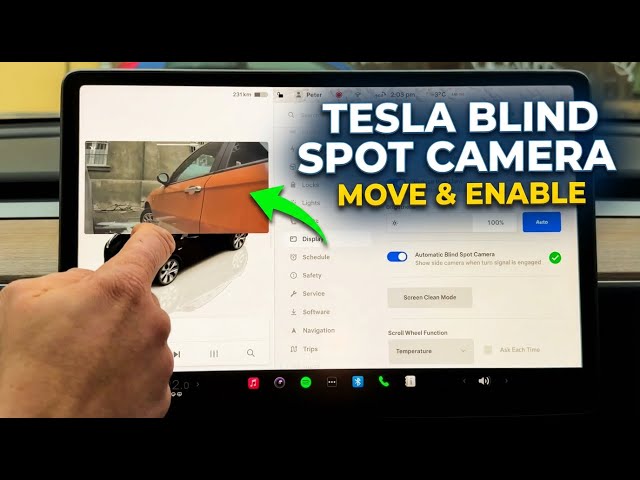

TESLA Blind Spot Camera – How to Enable & Move Side Camera View
Jan 23, 2026

In this short video I show how to enable the Automatic Blind Spot Camera on your Tesla and how to move the side camera preview to the screen position you prefer. You will learn where to find the setting (tap the car icon → Display), how to turn on the automatic side camera so it appears when you use the turn signal, how to test it with left and right indicators, and how to change the preview position on the display. These steps improve situational awareness and make lane changes safer.
How to enable blind spot camera on Tesla?
How to change blind spot camera position on Tesla?
How to show side camera when turn signal is on Tesla?
0:00 Intro — What the blind spot camera does
0:07 Open Controls: tap the car icon and go to Display
0:27 Enable "Automatic Blind Spot Camera"
0:36 Test the feature: use right and left turn signals to view side cameras
0:54 Change the camera preview position on screen
1:05 Wrap up and subscribe for more Tesla tips
#Tesla #BlindSpotCamera #TeslaTips #SideCamera
Find out more:
https://www.hardreset.info/devices/car/car-tesla/
Follow us on Instagram ► https://www.instagram.com/hardreset.info
Like us on Facebook ► https://www.facebook.com/hardresetinfo/
Show More Show Less #Vehicle Parts & Services