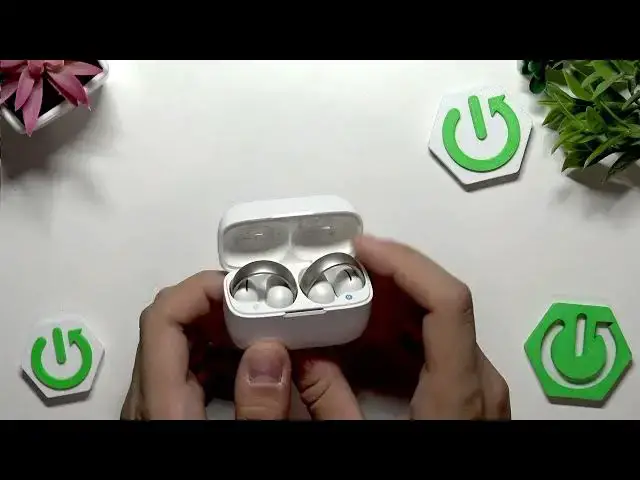

How to Fix SOUNDCORE AeroClip No Sound After Connecting to Phone
Jul 2, 2026

This video shows how to fix no sound on SOUNDCORE AeroClip earbuds after connecting them to your phone. You will learn quick checks and step-by-step fixes: check phone and media volume, try a different player, clear app cache for problem apps, re-pair the earbuds, and perform a factory reset on the AeroClip case. These steps help with Android phones and common app audio issues and explain when to test on another device or contact Soundcore support.
How to fix no sound on SOUNDCORE AeroClip after connecting to phone?
How to factory reset SOUNDCORE AeroClip earbuds?
How to clear app cache when SOUNDCORE AeroClip has no sound?
0:00 Intro and problem overview
0:15 Check phone volume and media player volume
0:25 Try switching players and check system sound controls
0:48 App-specific troubleshooting: the app may be muted
1:09 How to clear app cache in Android settings (Apps → Storage → Clear cache)
1:28 Factory reset AeroClip: open case and press the button
1:37 Hold the case button ~10 seconds until the LED flashes red
1:59 Test AeroClip on a different phone to isolate the issue
2:13 When to contact Soundcore support or consider a warranty repair
#SOUNDCORE #AeroClip #Earbuds #BluetoothAudio
Find out more:
https://www.hardreset.info/devices/soundcore/soundcore-aeroclip/
Show More Show Less #Science