0:00
Hi everyone, here we've got TCL 20SE and let me share with you how to enable
0:11
night light or eye comfort mode. So first of all I will show you the
0:15
customization of this mode and then much faster access to this feature. So let's
0:19
begin with opening the settings and here we have to tap on the display. And as you
0:24
can see here we've got eye comfort mode so this is the option we are looking for so simply tap on it. And here first of all we have to turn it on right now in
0:33
order to actually see the changes. So let's tap on the switcher and as you can
0:37
see I hope that you can see the screen turns a little bit yellowish or a little
0:40
bit amber. It is in order obviously to filter the blue light. What's more we can
0:45
schedule this feature so we can tap on the switcher and as you can see we've
0:49
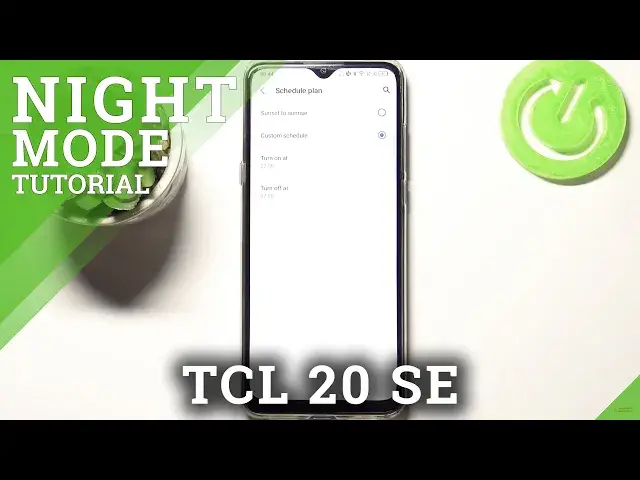
got the schedule plan option activated so we can tap on it and here we can
0:53
custom it so we can manually choose the start and end time but also we can set
0:58
it from sunset to sunrise so then your device will automatically turn it on after sunset and off after sunrise. So in order to custom the schedule for example
1:08
you have to tap on this option and by swiping choose the turn on time so let
1:12
me pick for example okay it can be it can be a 9. Remember to tap on OK and
1:20
turn it off at 8 for example. Let's tap on OK and I really hope that you
1:25
can see this option that it didn't change it didn't go back to its normal
1:28
state it is because we are right between the the schedule plan but let me turn
1:34
off this option and as you can see here we've got the switcher which will allow
1:37
us to change the color temperature the intensity of this mode so by
1:43
going to the left you can make it much much cooler and by going to the right
1:47
much much warmer it's almost I would say orangish so just set it like you
1:52
want to. So actually this is the whole customization of the iComfort mode and
1:56
now let me show you much faster access to this feature all you have to do is simply unroll the top bar and here we have to find it the iComfort mode which
2:04
is right here now obviously it is activated you can turn it off just by
2:07
tapping on this icon and the screen turns back to its normal state you can
2:11
turn it on right here also. So actually that's all this is how to enable iComfort
2:16
mode in your TCL 20 SE. Thank you so much for watching I hope that this
2:20
video is helpful and if it was please hit the subscribe button and leave the