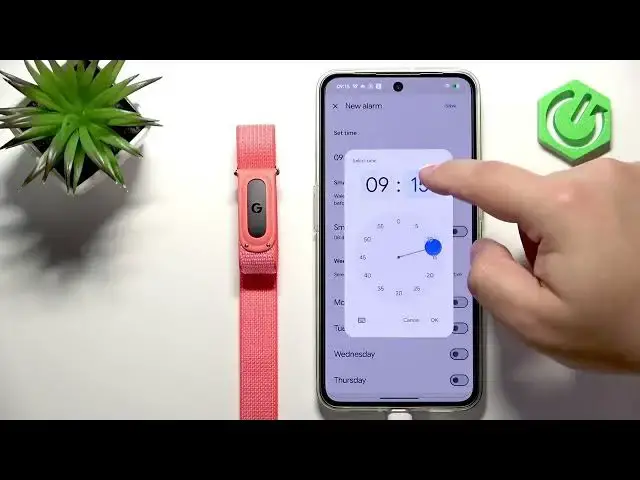

GOOGLE Fitbit Air – How to Set Alarm Clock
Jul 2, 2026

Learn how to set up the alarm clock on your GOOGLE Fitbit Air step by step. In this short guide I show the exact steps inside the Google Health app: pairing requirement, opening the device page, adding a new alarm, setting time, enabling Smart Wake, choosing repeat days, saving, and how to edit or delete alarms. You will also learn limits (up to 8 alarms) and how the band notifies you (vibration). This video is perfect if you want a quick, clear walkthrough to get alarms working on your Fitbit Air using the Google Health app.
How to set an alarm on GOOGLE Fitbit Air?
How to enable Smart Wake on GOOGLE Fitbit Air using Google Health app?
How to add, edit or delete multiple alarms on GOOGLE Fitbit Air?
0:00 Intro and goal
0:11 Pairing requirement — connect Fitbit Air to phone via Google Health
0:22 Open Google Health and go to device page (Fitbit Air)
0:45 Tap Alarms and add new alarm
1:01 Set time, enable Smart Wake option
1:21 Choose repeat days and save alarm
1:43 Edit, delete, or toggle alarms; alarm limits
1:52 How the alarm notifies (vibration) and outro
#FitbitAir #Fitbit #Alarm #GoogleHealth
Find out more:
https://www.hardreset.info/devices/google/google-fitbit-air/set-up-alarm-clock/
Show More Show Less #Science