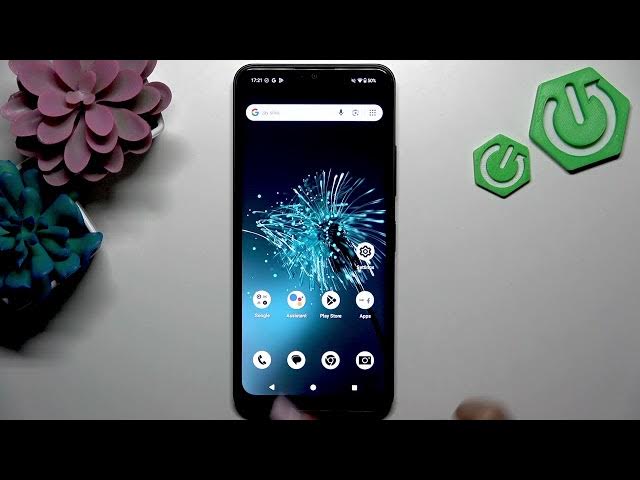

HMD Arc — Use Google Assistant Voice Commands
Jun 3, 2026

In this short, clear video we show how to use Google Assistant voice commands on the HMD Arc phone. You will learn how to activate Google Assistant, give basic voice commands like asking for the weather and setting timers, and verify actions in apps such as Clock. The steps are simple: hold the home button to open Assistant, speak your command, and use voice controls for everyday productivity on HMD Arc. This guide is perfect for new HMD Arc owners and anyone who wants faster hands-free control of their device.
How to use Google Assistant voice commands on HMD Arc?
How to activate Google Assistant on HMD Arc?
How to set timers and ask for weather with Google Assistant on HMD Arc?
0:00 Intro
0:10 Activate Google Assistant (hold Home button)
0:30 Ask Google Assistant for the weather
0:55 Set a 5-minute timer by voice
1:10 Check the timer in the Clock app
1:24 Tips for using voice commands for productivity
1:28 Outro / Like & Subscribe
#HMDArc #GoogleAssistant #VoiceCommands #AndroidTips
Find out more:
https://www.hardreset.info/devices/hmd/hmd-arc/
Follow us on Instagram ► https://www.instagram.com/hardreset.info
Show More Show Less #Science