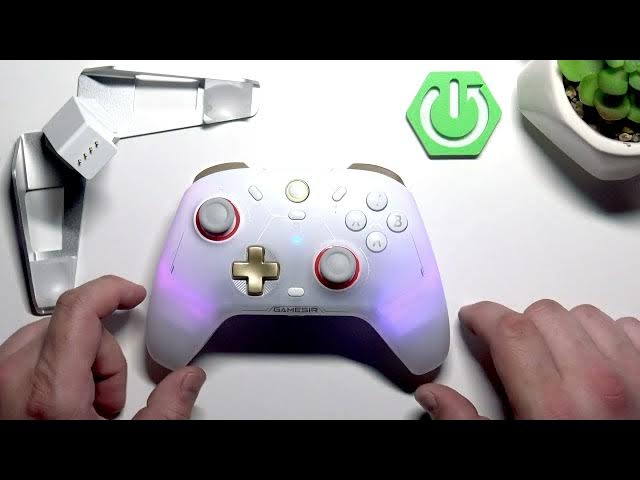

GameSir Cyclone 2 – How to Enable Android Connection Mode
May 28, 2026

In this short video we show how to enable Android Connection Mode on the GameSir Cyclone 2 controller. You will learn the exact button combo and the Bluetooth steps to pair the controller with an Android phone or tablet. Android Connection Mode makes the Cyclone 2 act as a standard Bluetooth gamepad for mobile games and streaming apps, improving compatibility and making setup fast and simple. Follow the steps to enable the mode and then select the controller from your phone's Bluetooth list so you can start playing right away.
How to enable Android Connection Mode on GameSir Cyclone 2?
How to connect GameSir Cyclone 2 to an Android phone via Bluetooth?
How to pair GameSir Cyclone 2 with Android devices?
0:00 Intro
0:07 Enable Android Connection Mode – press and hold the GameSir button then press A
0:23 Open Android Bluetooth settings and select the GameSir Cyclone 2
0:31 Quick test, tips and outro
#GameSir #GameSirCyclone2 #AndroidController #BluetoothGamepad
Find out more:
https://www.hardreset.info/devices/gamesir/gamesir-cyclone-2/
Follow us on Instagram ► https://www.instagram.com/hardreset.info
Like us on Facebook ► https://www.facebook.com/hardresetinfo/
Tweet us on Twitter ► https://twitter.com/HardResetI
Support us on TikTok ► https://www.tiktok.com/@hardreset.info
Show More Show Less #Science