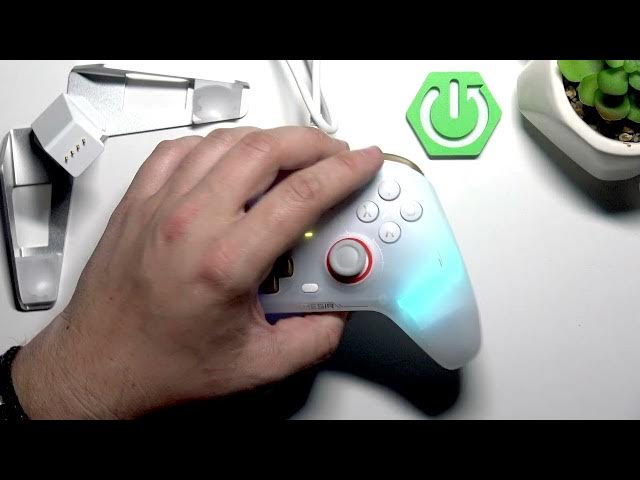

GameSir Cyclone 2 – How to Change Trigger Mode
May 28, 2026

Learn how to change the trigger mode on your GameSir Cyclone 2 controller. This short, clear video shows where the switches are on the bottom of the controller and how to toggle the tiny side switches beside each trigger to switch between mouse-like click and standard controller trigger behavior. Perfect if you want faster click-style triggers for shooters or a regular controller feel for other games. The steps are simple: flip the small switches next to the triggers and test the change in your game.
How to change trigger mode on GameSir Cyclone 2?
How to switch GameSir Cyclone 2 triggers to mouse-like click?
Where are the trigger switches on GameSir Cyclone 2?
0:00 Intro
0:05 Show the GameSir Cyclone 2 and bottom view
0:12 Locate the two triggers and side switches
0:20 How to push the switches to change trigger mode
0:30 Explain mouse-like click vs standard trigger
0:40 Outro – like, comment and subscribe
#GameSirCyclone2 #GameSir #TriggerMode #ControllerTips
Find out more:
https://www.hardreset.info/devices/gamesir/gamesir-cyclone-2/
Follow us on Instagram ► https://www.instagram.com/hardreset.info
Like us on Facebook ► https://www.facebook.com/hardresetinfo/
Show More Show Less #Science