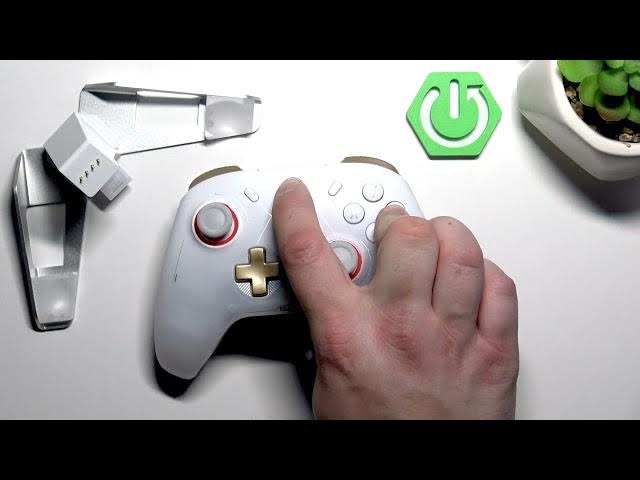

GameSir Cyclone 2 – How to Enable Bluetooth Pairing Mode
May 28, 2026

Learn how to enable Bluetooth pairing mode on the GameSir Cyclone 2 controller in seconds. This short video shows the exact button press to put the Cyclone 2 into Bluetooth discoverable mode so you can pair it with Android phones, iPhone, tablets or Windows PCs. You'll see which buttons to press, how the LED behaves when pairing is active, and a quick tip if the controller won't connect.
How to enable Bluetooth pairing mode on GameSir Cyclone 2?
How to pair GameSir Cyclone 2 with Android, iPhone, or Windows PC?
How to put GameSir Cyclone 2 into Bluetooth pairing if it is not connecting?
0:00 Introduction
0:09 How to enable Bluetooth pairing mode – press and hold B + GameSir button for 2 seconds
0:21 LED indicator – blinking blue means pairing mode
0:26 Tips and wrap up
#GameSir #GameSirCyclone2 #BluetoothPairing #ControllerTips
Find out more:
https://www.hardreset.info/devices/gamesir/gamesir-cyclone-2/
Follow us on Instagram ► https://www.instagram.com/hardreset.info
Like us on Facebook ► https://www.facebook.com/hardresetinfo/
Tweet us on Twitter ► https://twitter.com/HardResetI
Support us on TikTok ► https://www.tiktok.com/@hardreset.info
Show More Show Less #Science