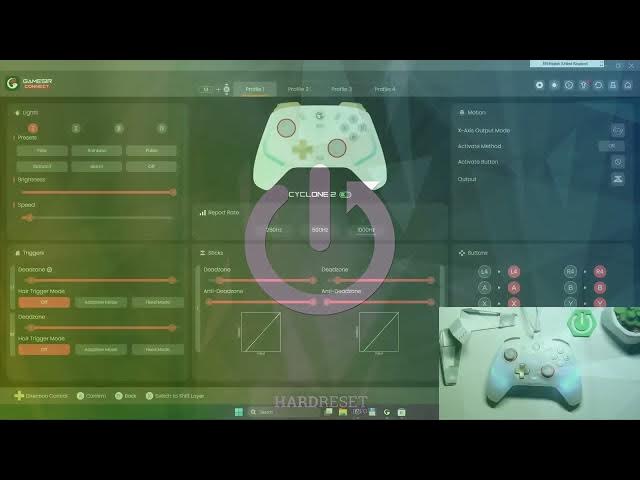

GameSir Cyclone 2 – How to Change RGB Preset
May 28, 2026

In this short, clear guide you'll learn how to change the RGB preset on the GameSir Cyclone 2 using the GameSir Connect app. The video shows exactly where to find Lights in the app and how to select presets like Flow, Rainbow, Pulse, Alarm, Standoff or Off. If you want to customize your controller lighting fast, this walkthrough makes it easy even for beginners.
How to change RGB preset on GameSir Cyclone 2?
How to use GameSir Connect to change lights on GameSir Cyclone 2?
What RGB presets are available on GameSir Cyclone 2?
0:00 Intro
0:10 Open GameSir Connect and find Lights
0:20 Select RGB preset: Flow, Rainbow, Pulse, Alarm, Standoff, Off
0:28 Wrap up and subscribe
#GameSir #GameSirCyclone2 #RGB #GameController
Find out more:
https://www.hardreset.info/devices/gamesir/gamesir-cyclone-2/
Follow us on Instagram ► https://www.instagram.com/hardreset.info
Like us on Facebook ► https://www.facebook.com/hardresetinfo/
Tweet us on Twitter ► https://twitter.com/HardResetI
Support us on TikTok ► https://www.tiktok.com/@hardreset.info
Show More Show Less #Science