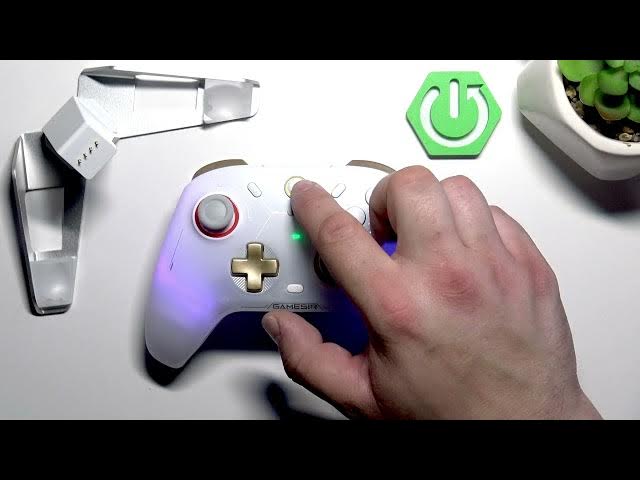

GameSir Cyclone 2 – How to Enable iOS Pairing Mode
May 28, 2026

Learn how to enable iOS pairing mode on the GameSir Cyclone 2 so you can connect the controller to your iPhone or iPad quickly. This short video shows the exact button combination to enter Bluetooth pairing, how the controller may appear as "DualShock 4" in iOS Bluetooth list, and the simple steps to complete pairing. Follow these clear steps to pair GameSir Cyclone 2 with iOS devices and start gaming without delays.
How to enable iOS pairing mode on GameSir Cyclone 2?
How to pair GameSir Cyclone 2 with iPhone or iPad?
Why does GameSir Cyclone 2 appear as DualShock 4 when pairing?
0:00 Intro – GameSir Cyclone 2 overview
0:11 Button combo to activate iOS pairing mode (GameSir + B)
0:20 Select the controller on iPhone (appears as DualShock 4)
0:28 Outro – tips, like and subscribe
#GameSir #GameSirCyclone2 #iOSPairing #GameController
Find out more:
https://www.hardreset.info/devices/gamesir/gamesir-cyclone-2/
Follow us on Instagram ► https://www.instagram.com/hardreset.info
Like us on Facebook ► https://www.facebook.com/hardresetinfo/
Tweet us on Twitter ► https://twitter.com/HardResetI
Support us on TikTok ► https://www.tiktok.com/@hardreset.info
Show More Show Less #Science