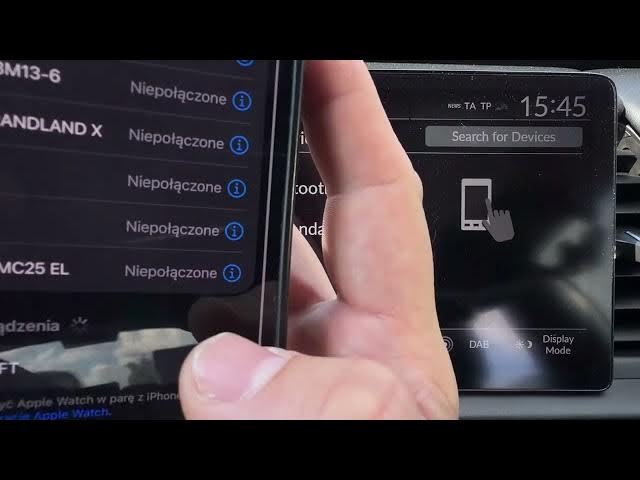

HONDA Jazz V HYBRID - How to Pair Smartphone via Bluetooth
May 28, 2026

Learn how to quickly pair your smartphone with the HONDA Jazz V HYBRID using Bluetooth. This video shows the exact steps on the car display and on your phone: open Phone on the Honda screen, choose Connect New Device, enable Bluetooth on your Android or iPhone, select HONDA HFT, confirm pairing and then choose Audio, Phone or CarPlay. Follow these clear, fast steps to get calls and audio working in your Jazz V Hybrid in seconds.
How to pair smartphone with HONDA Jazz V HYBRID via Bluetooth?
How to connect iPhone or Android to HONDA Jazz V HYBRID Bluetooth?
How to enable CarPlay or audio after pairing on HONDA Jazz V HYBRID?
0:00 Introduction - what you need
0:06 Open Phone on the Honda screen
0:22 Tap Connect New Device on car display
0:30 Enable Bluetooth on your smartphone and select HONDA HFT
0:44 Confirm pairing and choose Audio, Phone or CarPlay
0:56 Final checks and tips
#HONDAJazzV #HondaJazz #BluetoothPairing #CarPlay
Find out more:
https://www.hardreset.info/devices/honda/honda-jazz-v-hybrid/how-to-pair-smartphone-with-car-via-bluetooth/
Follow us on Instagram ► https://www.instagram.com/hardreset.info
Like us on Facebook ► https://www.facebook.com/hardresetinfo/
Show More Show Less #Science