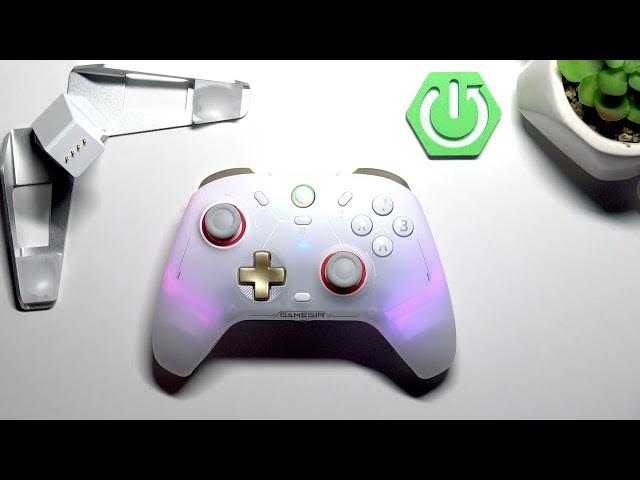

GameSir Cyclone 2 – How to Change Vibration Intensity
May 28, 2026

Learn how to manually change the vibration intensity on your GameSir Cyclone 2 controller. This short video shows the exact button sequence to increase or decrease vibration strength so you can get the best feel for your games. No app or PC needed — just your GameSir Cyclone 2 and a few seconds to adjust the motor power for more immersive or quieter feedback. Follow the steps shown and test different levels until it feels right.
How to change vibration intensity on GameSir Cyclone 2?
How to adjust vibration strength on GameSir Cyclone 2 controller?
Can I change vibration intensity manually on GameSir Cyclone 2?
0:00 Intro – Meet the GameSir Cyclone 2
0:12 How to change vibration intensity (hold M + D-pad up/down)
0:28 Quick recap and tips
#GameSir #GameSirCyclone2 #ControllerVibration #GamingTips
Find out more:
https://www.hardreset.info/devices/gamesir/gamesir-cyclone-2/
Follow us on Instagram ► https://www.instagram.com/hardreset.info
Like us on Facebook ► https://www.facebook.com/hardresetinfo/
Tweet us on Twitter ► https://twitter.com/HardResetI
Support us on TikTok ► https://www.tiktok.com/@hardreset.info
Use Reset Guides for many popular Apps ► https://www.hardreset.info/apps/apps/
Show More Show Less #Science