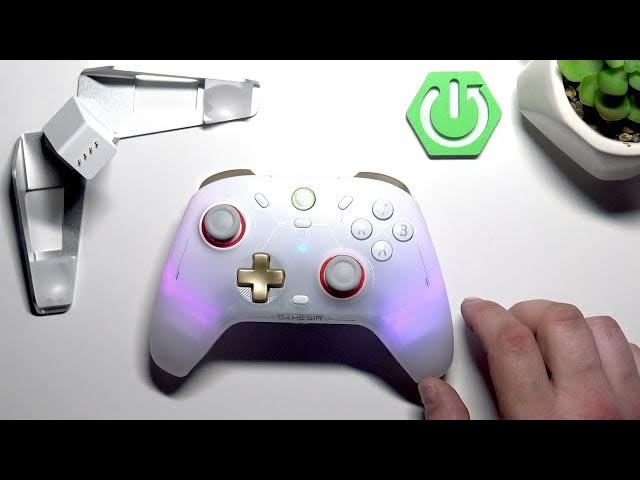

GameSir Cyclone 2 – How to Change Connection Mode
May 28, 2026

Learn how to change the connection mode on the GameSir Cyclone 2 controller quickly and correctly. In this short video we show the exact button combinations to switch between Windows 10 / iOS 13 mode, Windows or Android via the 2.4G dongle, Nintendo Switch mode, and Android. Follow the steps (GameSir + B / X / Y) to pair the controller with the right platform and avoid connection issues before you play. This is perfect for first-time setup or when you need to swap platforms fast.
How to change connection mode on GameSir Cyclone 2?
How to put GameSir Cyclone 2 into Nintendo Switch mode?
How to connect GameSir Cyclone 2 to Windows or Android with the 2.4G dongle?
0:00 Intro
0:06 Windows 10 / iOS 13 mode — hold GameSir button + B
0:21 Windows 10 or Android via 2.4G dongle — hold GameSir button + X
0:32 Nintendo Switch mode — hold GameSir button + Y
0:39 Android mode — hold GameSir button + X
0:45 Outro & subscribe
#GameSir #GameSirCyclone2 #ControllerTips #ConnectionMode
Find out more:
https://www.hardreset.info/devices/gamesir/gamesir-cyclone-2/
Follow us on Instagram ► https://www.instagram.com/hardreset.info
Like us on Facebook ► https://www.facebook.com/hardresetinfo/
Show More Show Less #Science