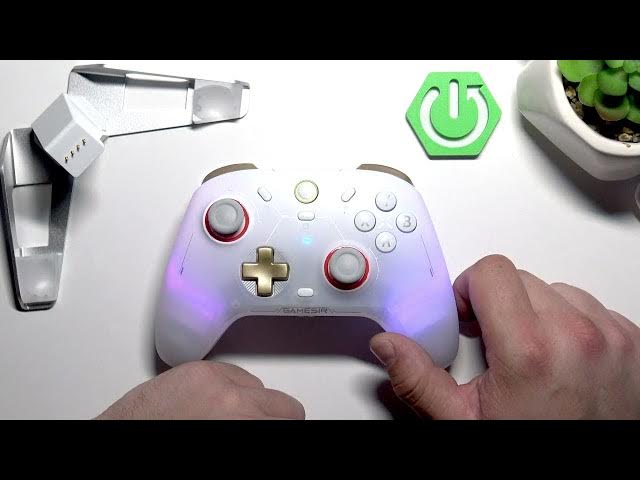

GameSir Cyclone 2 – How to Change Button Layer Manually
May 28, 2026

In this short, clear video you will learn how to manually change the button layer on the GameSir Cyclone 2 controller. I show the exact steps to swap A, B, X and Y values, how to enter the change mode, and how the setting is saved after a restart. This quick method is perfect when you need a different layout for a game or personal preference. Follow the simple hold sequence and feel the vibration to confirm the change — no software required.
How to change button layer on GameSir Cyclone 2?
How to remap buttons on GameSir Cyclone 2?
Where is the mode button on GameSir Cyclone 2?
0:00 Intro – what we’ll change
0:09 What button values can be interchanged (A, B, X, Y)
0:21 How to enter button layer change mode (hold Mode + A for 2 seconds)
0:29 Vibration confirms the change and settings are saved after restart
0:36 Wrap up and subscribe reminder
#GameSir #Cyclone2 #RemapButtons #ControllerTips
Find out more:
https://www.hardreset.info/devices/gamesir/gamesir-cyclone-2/
Follow us on Instagram ► https://www.instagram.com/hardreset.info
Like us on Facebook ► https://www.facebook.com/hardresetinfo/
Tweet us on Twitter ► https://twitter.com/HardResetI
Show More Show Less #Science