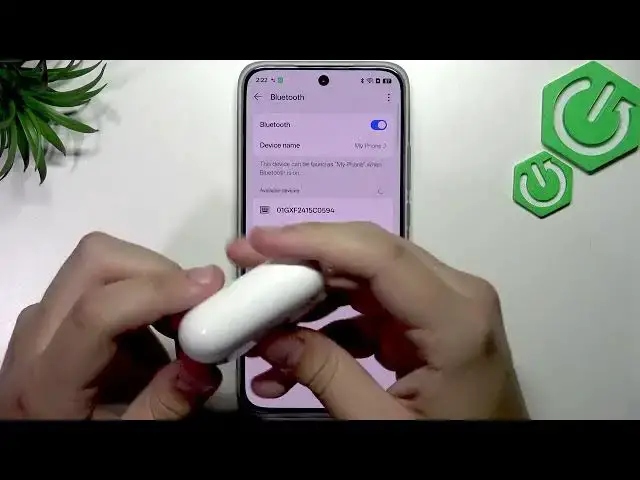

REALME 16 5G - How to set up Wi-Fi and Bluetooth
Jul 1, 2026

Learn how to set up Wi-Fi and Bluetooth on your REALME 16 5G in just a few easy steps. This video shows how to open Settings, connect to a Wi-Fi network by choosing your SSID and entering the password, save the connection, then switch to Bluetooth to scan, pair, and confirm accessories like AirPods. You will see how to refresh the device list, pair a device, and view device info to disconnect or unpair. Perfect for new REALME 16 5G owners or anyone troubleshooting wireless connections, this clear walkthrough uses simple steps and common terms so you can follow along easily and get connected fast.
How to connect REALME 16 5G to Wi-Fi?
How to pair Bluetooth on REALME 16 5G?
How to view Bluetooth device info on REALME 16 5G?
0:00 Intro and what we will do
0:08 Open Settings and go to Wi-Fi
0:28 Select your Wi-Fi network and enter the password
0:33 Save and confirm Wi-Fi connection
0:42 Open Bluetooth settings to pair an accessory
0:55 Scan, refresh list and select your accessory (AirPods example)
1:18 Pairing complete and check device info
1:36 Outro and tips
#REALME16 #WiFiSetup #BluetoothPairing #REALMETips
Find out more:
https://www.hardreset.info/devices/realme/realme-16-5g/
Show More Show Less #Science