
Fix NAVEE GT3 Max Apple Find My Not Showing
Jun 2, 2026

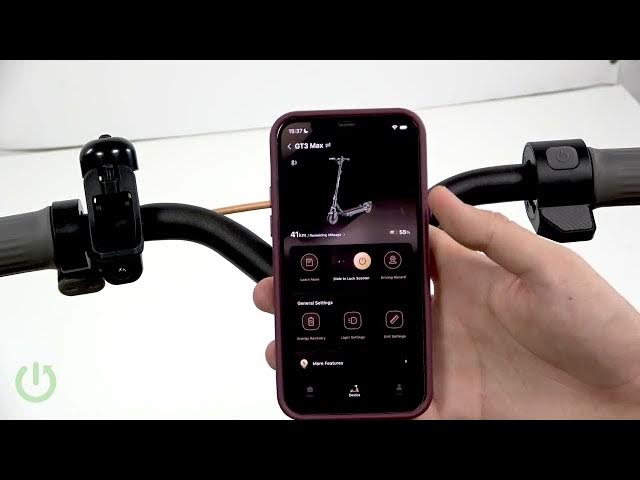
This video shows step-by-step how to fix Apple Find My not showing your NAVEE GT3 Max scooter. I cover common causes like Find My pairing mode not activated, the NAVEE app still holding the Bluetooth connection, the scooter linked to another account, iPhone or Bluetooth location permissions, and firmware or app bugs. Follow the checklist: update iPhone iOS, update the NAVEE app and scooter firmware, enable Find My in the NAVEE app, enter Find My pairing mode, fully close the NAVEE app, then re-discover and add your scooter in Apple Find My.
How to fix NAVEE GT3 Max not showing in Apple Find My?
How to enable Find My for NAVEE GT3 Max in the NAVEE app?
How to pair NAVEE GT3 Max with Apple Find My (Find My Pairing Mode)?
0:00 Intro & problem explained
0:20 Common causes for Find My not showing
0:53 Update iPhone iOS, NAVEE app and scooter firmware
1:02 Enable Find My in the NAVEE app
1:28 Enter Find My pairing mode (hold brake + throttle 3x)
1:49 Fully close NAVEE app and Find My then retry
2:21 Search and add NAVEE GT3 Max in Apple Find My
2:42 When to contact NAVEE support
#NAVEE #GT3Max #AppleFindMy #FindMy
Find out more:
https://www.hardreset.info/devices/navee/navee-gt3-max/
Show More Show Less #Science