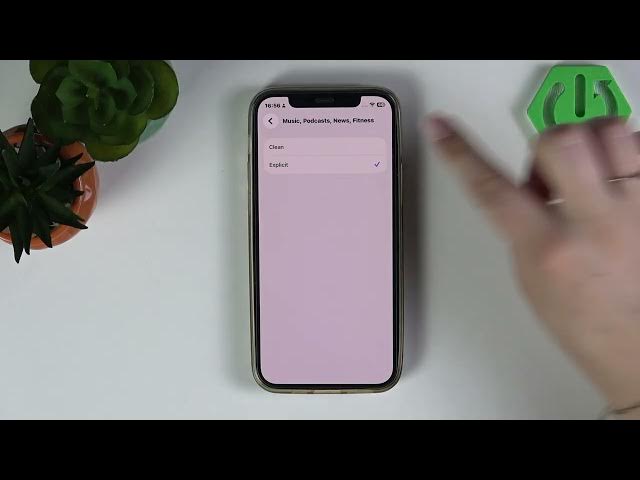

iPhone (iOS 26) – How to Block Explicit Music & Podcasts
Jun 2, 2026

In this video I show how to block explicit music and podcasts on an iPhone running iOS 26. You will learn how to use Screen Time and Content & Privacy Restrictions to stop explicit songs and podcast episodes from playing. This method is useful for parents, shared devices, or anyone who wants to limit explicit content. The steps are quick and work on iPhone with iOS 26 (and similar recent iOS versions): open Settings, go to Screen Time, enable Content & Privacy Restrictions and set Music and Podcasts to Clean to block explicit media.
How to block explicit music on iPhone (iOS 26)?
How to block explicit podcasts on iPhone (iOS 26)?
Where is Content & Privacy Restrictions on iPhone?
0:00 Intro
0:09 Open Settings and go to Screen Time
0:22 Content & Privacy Restrictions → App Store, Media, Web and Games
0:36 Set Music & Podcasts to "Clean" to block explicit content
0:56 Wrap up and tips
#iPhone #iOS26 #ScreenTime #BlockExplicitContent
Find out more:
https://www.hardreset.info/devices/apple/apple-iphone/
Follow us on Instagram ► https://www.instagram.com/hardreset.info
Like us on Facebook ► https://www.facebook.com/hardresetinfo/
Tweet us on Twitter ► https://twitter.com/HardResetI
Show More Show Less #Science