
iPhone iOS 26 – How to Manage Siri & Dictation Restrictions
Jun 2, 2026

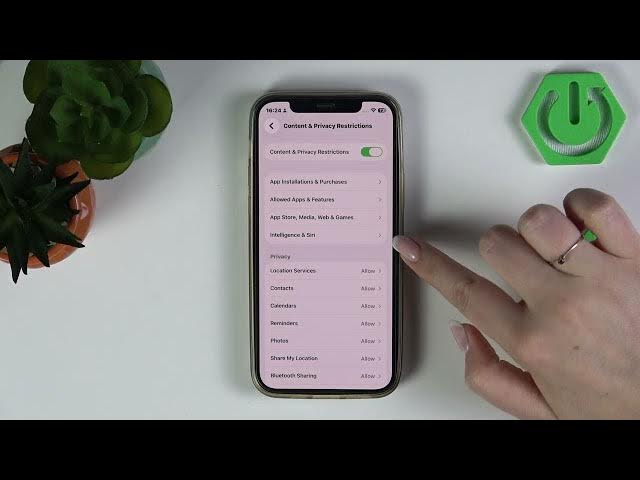
In this short video we show how to manage Siri and Dictation restrictions on an iPhone running iOS 26. You will see exactly where to find the setting and how to quickly turn Siri & Dictation off or back on using Screen Time → Content & Privacy Restrictions → Intelligence & Siri. This walkthrough is ideal for privacy, parental controls, or if you just want to disable voice input briefly. The steps are simple and shown clearly so anyone can follow along.
How to manage Siri & Dictation restrictions on iPhone iOS 26?
How to turn off Siri and dictation on my iPhone iOS 26?
How to disable Siri & Dictation using Content and Privacy Restrictions on iPhone iOS 26?
0:00 Intro – What we'll change
0:10 Open Settings and go to Screen Time
0:26 Enter Content & Privacy Restrictions → Intelligence & Siri
0:33 Toggle Siri & Dictation on or off
0:48 Wrap up and final tips
#iPhone #iOS26 #Siri #Dictation
Find out more:
https://www.hardreset.info/devices/apple/apple-iphone/
Follow us on Instagram ► https://www.instagram.com/hardreset.info
Like us on Facebook ► https://www.facebook.com/hardresetinfo/
Tweet us on Twitter ► https://twitter.com/HardResetI
Show More Show Less #Science