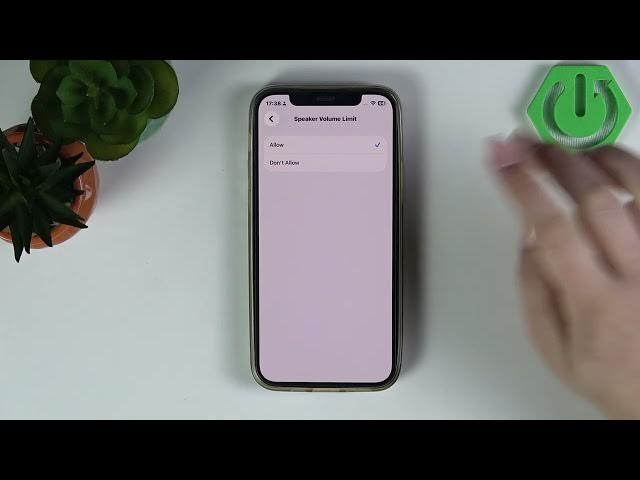

iPhone – How to Set Speaker Volume Limit (iOS 26)
Jun 2, 2026

In this short video I show how to set a speaker volume limit on an iPhone running iOS 26 to protect your hearing and control loud playback. You’ll learn exactly where to find the setting in Settings and how to enable or block changes so the limit is enforced across music, videos and calls using Screen Time and Content & Privacy Restrictions. This simple tweak helps keep family members and children safe from high speaker volume and prevents accidental louder playback.
How to set speaker volume limit on iPhone (iOS 26)?
How to enable speaker volume limit on iPhone?
Where is the speaker volume limit setting on iPhone?
0:00 Intro
0:09 Open Settings & go to Screen Time
0:20 Open Content & Privacy Restrictions
0:30 Tap "Allow Changes" and find Speaker Volume Limit
0:33 Disable or Allow changes to enforce the limit
0:39 Wrap up and subscribe
#iPhone #iOS26 #HearingSafety #SpeakerVolumeLimit
Find out more:
https://www.hardreset.info/devices/apple/apple-iphone/
Follow us on Instagram ► https://www.instagram.com/hardreset.info
Like us on Facebook ► https://www.facebook.com/hardresetinfo/
Show More Show Less #Science