
iPhone (iOS 26) – How to Manage Writing Tools
Jun 1, 2026

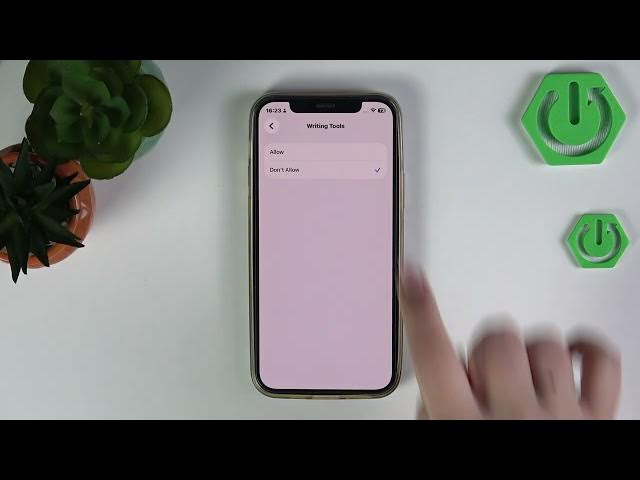
Learn how to enable or disable Writing Tools on your iPhone running iOS 26. In this short, clear video we show step-by-step how to open Settings, go to Screen Time, open Content & Privacy Restrictions, then Intelligence & Siri, and finally toggle Writing Tools to Allow or Don’t Allow. We explain why you might want to turn the feature off for privacy or parental control and when to keep it on for improved typing suggestions and Siri writing assistance. Follow along to manage intelligent typing features and restrictions on iPhone iOS 26.
How to manage Writing Tools on iPhone with iOS 26?
How to turn on or off Writing Tools on iPhone (iOS 26)?
Where is Writing Tools in iPhone iOS 26 Content & Privacy Restrictions?
0:00 Intro — what we'll change
0:07 Open Settings and go to Screen Time
0:15 Open Content & Privacy Restrictions
0:23 Go to Intelligence & Siri
0:31 Toggle Writing Tools: Allow or Don’t Allow
0:44 Wrap up and tips
#iPhone #iOS26 #WritingTools #Siri
Find out more:
https://www.hardreset.info/devices/apple/apple-iphone/
Follow us on Instagram ► https://www.instagram.com/hardreset.info
Like us on Facebook ► https://www.facebook.com/hardresetinfo/
Show More Show Less #Science