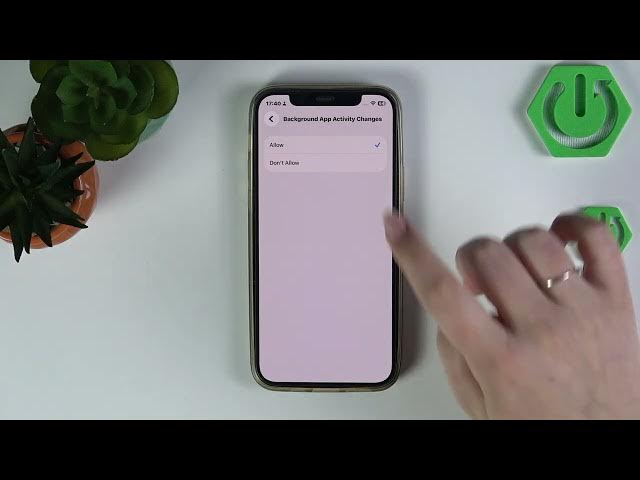

iPhone (iOS 26) – Prevent Background App Activity Changes
Jun 1, 2026

In this short video I show how to prevent Background App Activity changes on an iPhone running iOS 26. You will see exactly where the setting is and how to disable background activity so apps won’t run or refresh in the background. This helps save battery, reduce mobile data usage, and keep tighter control over app behavior. Follow the simple steps in Settings → Screen Time → Content & Privacy Restrictions → Background App Activity and toggle to "Don't Allow".
How to prevent background app activity changes on iPhone with iOS 26?
How to turn off background app activity on iPhone iOS 26?
Where is Background App Activity setting on iPhone iOS 26?
0:00 Intro — What we will change
0:09 Open Settings
0:17 Go to Screen Time
0:21 Open Content & Privacy Restrictions
0:26 Scroll to Background App Activity
0:31 Toggle to "Don't Allow" to stop background activity
0:46 Wrap up & subscribe
#iPhone #iOS26 #BackgroundAppActivity #ScreenTime
Find out more:
https://www.hardreset.info/devices/apple/apple-iphone/
Follow us on Instagram ► https://www.instagram.com/hardreset.info
Show More Show Less #Science