
NAVEE GT3 Max – How to Enable or Disable Auto-Sensing Lights
May 28, 2026

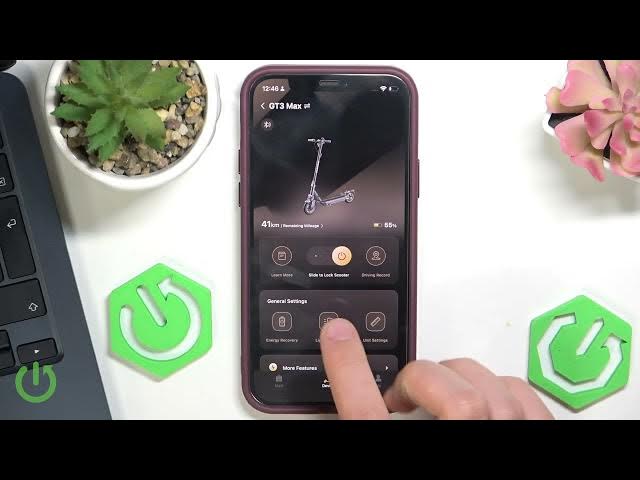
Learn how to enable or disable the auto-sensing headlights (auto lights) on your NAVEE GT3 Max scooter using the NAVEE app. In this short video I show how to open the NAVEE application, go to Light Settings, locate the Auto‑Sensing Headlights option and toggle it for both headlight and tail light. This quick walkthrough helps you control automatic lights behavior, save battery, or keep lights off when you prefer manual control. Perfect for NAVEE GT3 Max owners who want a fast, clear solution and to know what happens when lights are turned off manually.
How to enable auto-sensing headlights on NAVEE GT3 Max?
How to disable auto-sensing lights on NAVEE GT3 Max?
Where is the auto-sensing headlight setting in the NAVEE app for NAVEE GT3 Max?
0:00 Intro
0:05 Open the NAVEE app
0:12 Go to Light Settings
0:20 Find Auto-sensing Headlights option
0:29 Toggle to enable or disable
0:40 Note: manual lights off disables auto option
0:52 Outro
#NAVEEGT3Max #NAVEE #ScooterLights #AutoSensingLights
Find out more:
https://www.hardreset.info/devices/navee/navee-gt3-max/
Follow us on Instagram ► https://www.instagram.com/hardreset.info
Show More Show Less #Science