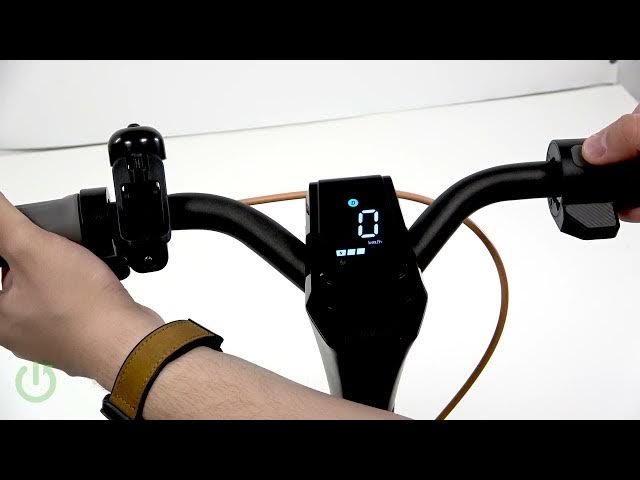

NAVEE GT3 Max – How to Factory Reset
Jun 2, 2026

In this short video I show how to perform a factory reset on the NAVEE GT3 Max electric scooter. If your GT3 Max is unresponsive, showing errors, or you want to erase settings before selling, this quick method restores the scooter to factory defaults. You will learn the exact button combination step-by-step: hold the brake lever, then press the power button five times quickly until the display or indicators confirm the reset. This simple reset can help fix pairing problems, software glitches, or prepare the scooter for a new owner. The procedure is fast and does not require tools or a service visit.
How to factory reset NAVEE GT3 Max?
How to reset NAVEE GT3 Max before selling?
How to perform a factory reset on NAVEE GT3 Max electric scooter?
0:00 Intro
0:06 Prepare: hold the brake lever
0:08 Press the power button five times (1-2-3-4-5)
0:20 Reset confirmation — how to tell it worked
0:29 Wrap up and tips
#NAVEEGT3Max #NAVEE #FactoryReset #ElectricScooter
Find out more:
https://www.hardreset.info/devices/navee/navee-gt3-max/
Follow us on Instagram ► https://www.instagram.com/hardreset.info
Like us on Facebook ► https://www.facebook.com/hardresetinfo/
Tweet us on Twitter ► https://twitter.com/HardResetI
Show More Show Less #Science