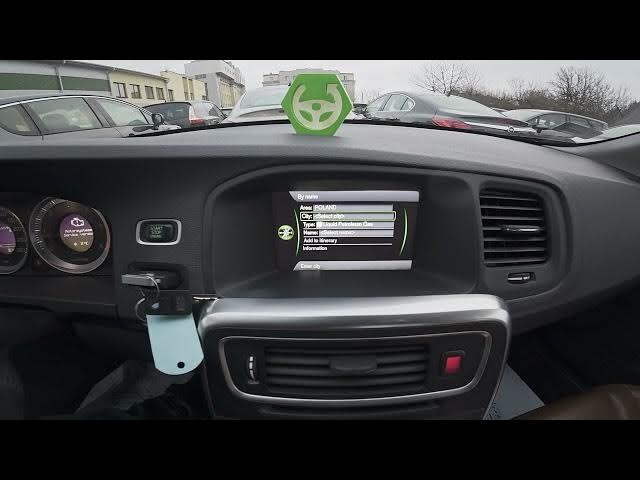

Volvo S60 II (2010-2019) - How to Navigate to Points of Interest
Jan 6, 2026

In this short, clear guide you'll learn how to use the Volvo S60 II (2010-2019) built-in navigation to find and route to Points of Interest (POI). The video shows how to open Navigation, enter Menu, choose Set Destination, pick Points of Interest (by name or near car), select an example POI (Patrol Station) and add Start Guidance so the route guidance begins when you join the highlighted route. This walkthrough is perfect for new S60 owners or anyone who wants a quick refresher on using POI search and starting navigation.
How to navigate to points of interest on Volvo S60 II (2010 - 2019)?
How to set a POI destination on Volvo S60 II (2010 - 2019) navigation?
Where is Set Destination and how to start guidance on Volvo S60 II (2010 - 2019)?
0:00 Intro - Overview of Volvo S60 II navigation
0:06 Open Navigation and go to Menu
0:06 Set Destination - select Points of Interest
0:30 Select POI by name (example: Patrol Station)
1:00 Add Start Guidance to begin route
1:11 Guidance will start when you join the highlighted route
1:20 Done - Outro and quick tip
#VolvoS60 #VolvoS60II #CarNavigation #POI
Find out more:
https://www.hardreset.info/devices/volvo/volvo-s60-ii-2010-2019/how-to-navigate-to-points-of-interest/
Follow us on Instagram ► https://www.instagram.com/hardreset.info
Show More Show Less #Science
#Traffic & Route Planners
#Transportation