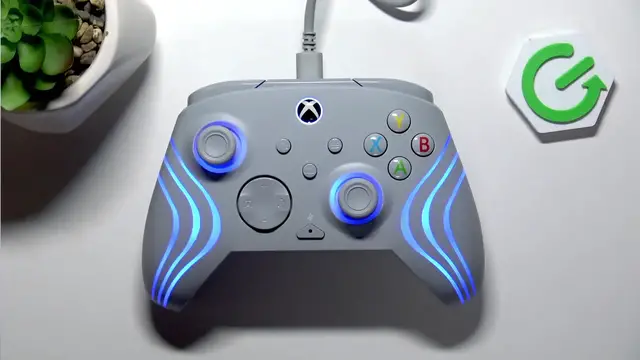

TURTLE BEACH Afterglow Wave – How to Change Light Effects
Jun 10, 2026

Learn how to change the light effects on your TURTLE BEACH Afterglow Wave controller manually. This video shows the four built-in lighting modes (Static, Wave, Breathing, Rumble) and the exact button combo to cycle them. You will see how to hold the function button and press the left or right bumper to switch effects, plus where to go to customize colors and presets in the Turtle Beach app. Quick, clear steps for anyone who wants fast on-controller lighting control or deeper customization in the companion app.
How to change light effects on TURTLE BEACH Afterglow Wave?
How to cycle lighting modes on Afterglow Wave controller?
How to customize Afterglow Wave lights in the Turtle Beach app?
0:00 Introduction
0:10 Lighting modes explained (Static, Wave, Breathing, Rumble)
0:26 How to cycle light effects (Hold Function + press L or R bumper)
0:40 How to customize lighting in the Turtle Beach app
0:56 Outro – like, comment & subscribe
#TurtleBeach #AfterglowWave #ControllerLighting #GamingController
Find out more:
https://www.hardreset.info/devices/turtle-beach/turtle-beach-afterglow-wave/
Follow us on Instagram ► https://www.instagram.com/hardreset.info
Like us on Facebook ► https://www.facebook.com/hardresetinfo/
Tweet us on Twitter ► https://twitter.com/HardResetI
Show More Show Less #Science