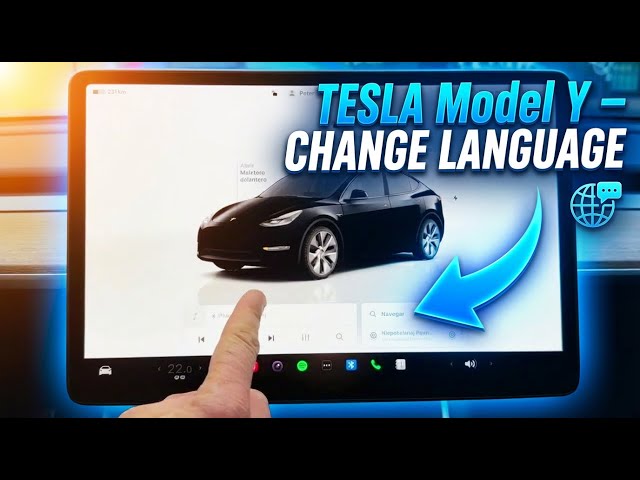

TESLA Model Y – How to Change Touchscreen Language
Jan 23, 2026

In this short video I show how to change the touchscreen language on a Tesla Model Y. You will see exactly where the language controls live, how to switch both the touch screen and voice recognition language, and what to expect during the restart. This method works the same on most Tesla models and takes only a minute or two.
How to change the touchscreen language on Tesla Model Y?
How to change the voice recognition language on Tesla Model Y?
How to find language settings on Tesla touch screen?
0:00 Introduction – what we will change
0:03 About the Model Y – works on other Tesla models
0:13 Open Controls – tap the car icon in the lower-left
0:24 Go to Display settings and scroll down to Language
0:38 Change touch screen or voice recognition language (English → Español example)
0:47 Confirm change and wait – the system will reboot twice
0:59 Check the new language and how to switch back to English
1:15 Final check and wrap up
#Tesla #TeslaModelY #TouchscreenLanguage #TeslaTips
Find out more:
https://www.hardreset.info/devices/car/car-tesla/
Show More Show Less #Science
#Tesla Motors