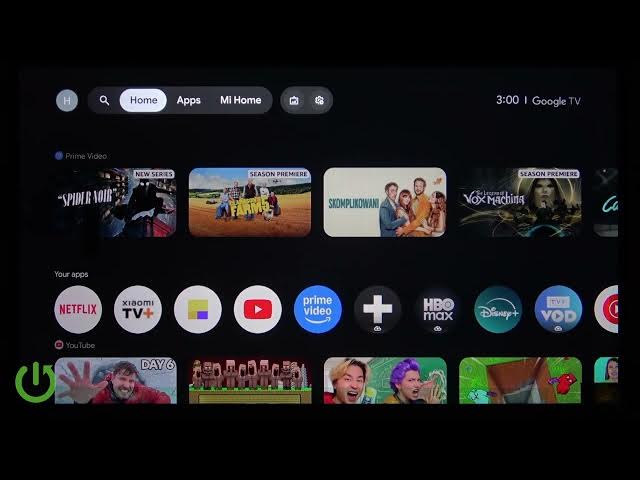

XIAOMI TV A Pro 32 (2026) – Enable or Disable Audio Description
Jun 7, 2026

In this video you will learn how to enable or disable Audio Description (audio narration) on your XIAOMI TV A Pro 32 (2026). I show every step using the TV remote so you can turn on the voice guide for supported programs or turn it off when you no longer need it. This guide covers the exact buttons to press, where to find Accessibility in the settings, and how to confirm Audio Description is active so you can enjoy TV with spoken descriptions of on-screen action.
How to enable Audio Description on XIAOMI TV A Pro 32 2026?
How to disable Audio Description on XIAOMI TV A Pro 32 2026?
Where is the Accessibility → Audio Description setting on XIAOMI TV A Pro 32 2026?
0:00 Intro
0:06 Press the gear/settings button on the remote
0:23 Open All Settings and press OK
0:29 Scroll to Accessibility (about 7 scrolls)
0:42 Scroll to Audio Description and press the middle D‑pad key to enable or disable
0:58 Return Home and confirm Audio Description is active in supported content
#XiaomiTV #AudioDescription #Accessibility #XiaomiAPro32
Find out more:
https://www.hardreset.info/devices/xiaomi/xiaomi-tv-a-pro-32-2026/
Follow us on Instagram ► https://www.instagram.com/hardreset.info
Like us on Facebook ► https://www.facebook.com/hardresetinfo/
Show More Show Less #Science