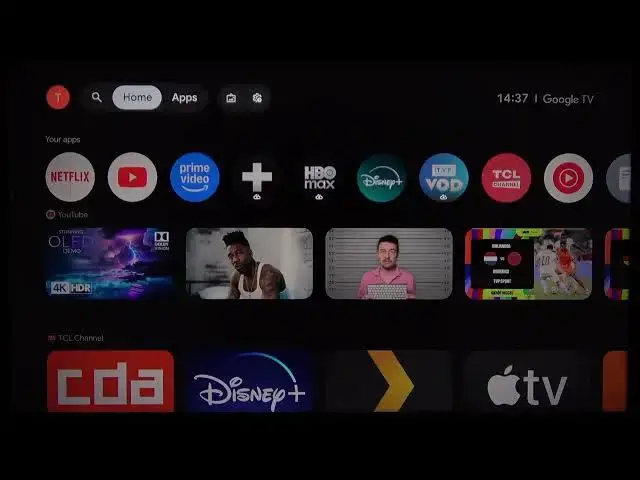

TCL 43C61B – How to Switch User Profiles
Jul 1, 2026

In this short, clear video you will learn how to switch between user profiles on your TCL 43C61B smart TV. We show how to open the account selection menu from the first account logo, view all added accounts, add a new account or child account by entering email and password, and quickly switch to another profile so each user keeps their apps and settings. This step-by-step walkthrough uses the on-screen account icons and simple navigation so anyone can follow along and manage profiles on the TCL 43C61B.
How to switch user profiles on TCL 43C61B TV?
How to add a new account on TCL 43C61B?
How to set up a child account on TCL 43C61B?
0:00 Intro – what we will show
0:08 Open the account selection menu (navigate to first account logo)
0:18 View all accounts you have added
0:25 Add a new account or add a child account
0:31 Enter email and password to register the new account
0:41 Switch between accounts – choose the profile to use
0:56 Outro and subscribe
#TCL #TCL43C61B #SmartTV #UserProfiles
Find out more:
https://www.hardreset.info/devices/tcl/tcl-43c61b/
Follow us on Instagram ► https://www.instagram.com/hardreset.info
Show More Show Less #Science