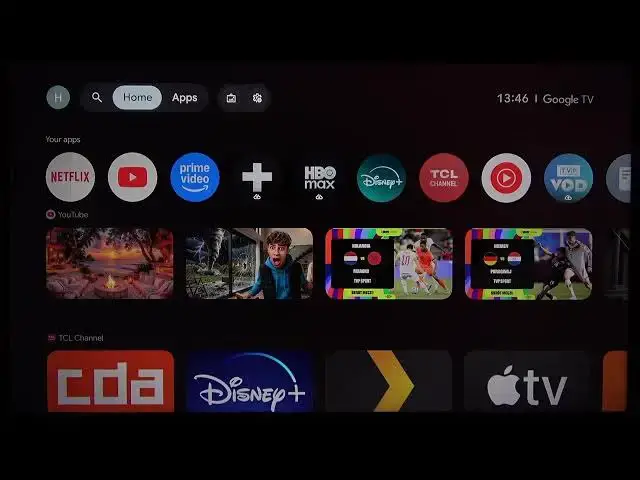

TCL 43C61B – How to Set Up Subtitles & Audio Language
Jul 1, 2026

Learn how to enable and customize subtitles (captions) and change the audio language on your TCL 43C61B TV. This video shows exactly where to find the caption settings and how to turn them on: Quick Settings → All Settings → System → Accessibility → Captions. You’ll also see how the TV chooses audio language based on your system language and how to change audio for specific apps like YouTube by selecting the audio track in the video settings. Follow these simple steps to get subtitles working, adjust their appearance, and switch audio to your preferred language fast and easily.
How to enable subtitles on TCL 43C61B TV?
How to change audio language on TCL 43C61B?
How to adjust caption style on TCL 43C61B?
0:00 Intro and what we’ll cover
0:07 Open Quick Settings and go to All Settings
0:15 System → Accessibility → Captions
0:31 Turn on Display to enable captions and basic customization
0:47 How audio language is chosen (system language)
1:26 Change audio per app (YouTube audio track example)
1:47 Wrap up and subscribe
#TCL #TCL43C61B #Subtitles #AudioLanguage
Find out more:
https://www.hardreset.info/devices/tcl/tcl-43c61b/
Follow us on Instagram ► https://www.instagram.com/hardreset.info
Show More Show Less #Science