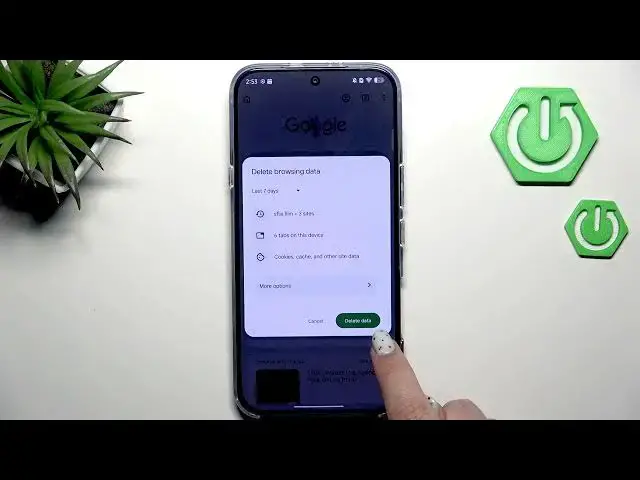

How to Clear Browsing Data on INFINIX Note 60 Pro
Jun 30, 2026

In this short video I show how to clear browsing data on the INFINIX Note 60 Pro using Google Chrome. You will learn how to open the browser menu, choose Clear browsing data, pick a time range (last 15 minutes, last hour, last 7 days or all time), and remove history, cookies, cache and other site data. The video also shows More options to delete saved passwords, autofill data and site settings. These steps are similar in other Android browsers and will help protect your privacy and free up storage on your INFINIX phone.
How to clear browsing data on INFINIX Note 60 Pro?
How to delete cache and cookies on INFINIX Note 60 Pro Chrome?
How to remove saved passwords and autofill on INFINIX Note 60 Pro?
0:00 Intro — what we'll do
0:07 Open the browser (Chrome) and tap the menu
0:24 Go to Clear browsing data
0:35 Choose time range and select data types (history, cookies, cache)
0:51 More options — remove saved passwords, autofill, site settings
1:00 Tap Delete data and confirm
1:07 Confirmation and outro
#Infinix #INFINIXNote60Pro #ClearBrowsingData #Chrome
Find out more:
https://www.hardreset.info/devices/infinix/infinix-note-60-pro/clear-browsing-data/
Follow us on Instagram ► https://www.instagram.com/hardreset.info
Show More Show Less #Science