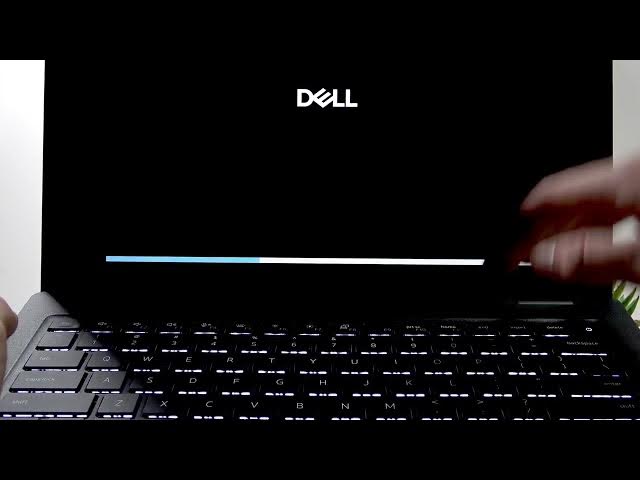

DELL Pro 14 – How to Boot from USB
Jun 9, 2026

In this short video I show how to boot a DELL Pro 14 from a USB flash drive. You will learn how to prepare a bootable USB, insert it into the laptop, power on the device, open the boot menu with F12, select the USB device and start your installation or recovery media such as Windows 11. These steps are ideal for installing an OS, running diagnostics, or using live USB tools.
How to boot DELL Pro 14 from USB?
How to access the boot menu on DELL Pro 14 (F12)?
How to install Windows 11 from USB on DELL Pro 14?
0:00 Intro
0:04 Prepare and insert bootable USB
0:17 Power on and press F12 to open Boot Menu
0:36 Select USB device and press Enter
0:57 Boot process and Windows 11 installation example
1:08 Exit and restart
1:14 Outro
#Dell #DELLPro14 #BootFromUSB #Windows11
Find out more:
https://www.hardreset.info/devices/dell/dell-pro-14/boot-from-usb/
Follow us on Instagram ► https://www.instagram.com/hardreset.info
Show More Show Less #Science